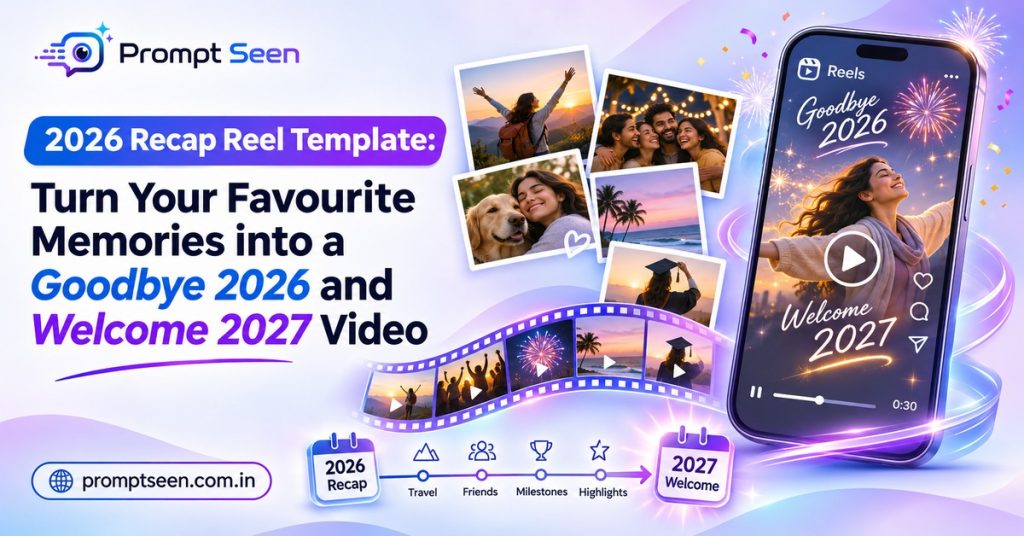
2026 Recap Reel Template: Turn Your Favourite Memories into a Goodbye 2026 and Welcome 2027 Video
A 2026 recap reel template lets you drop your favourite photos and clips from the year into a pre-timed edit, so your memories play in sync with the music and end on a “Welcome 2027” moment. The quickest route is an official template: VN’s library has several 2026 recap designs, and CapCut lists more for users outside India. Pick one, choose 10 to 20 moments, add a closing line, and export a vertical video for Reels or Status.
Start with the story, not the template
Most recap reels look the same because people choose a template first and then throw in random photos. A better reel starts with a simple story. Spend ten minutes deciding what your 2026 was about, and the template choice becomes obvious.
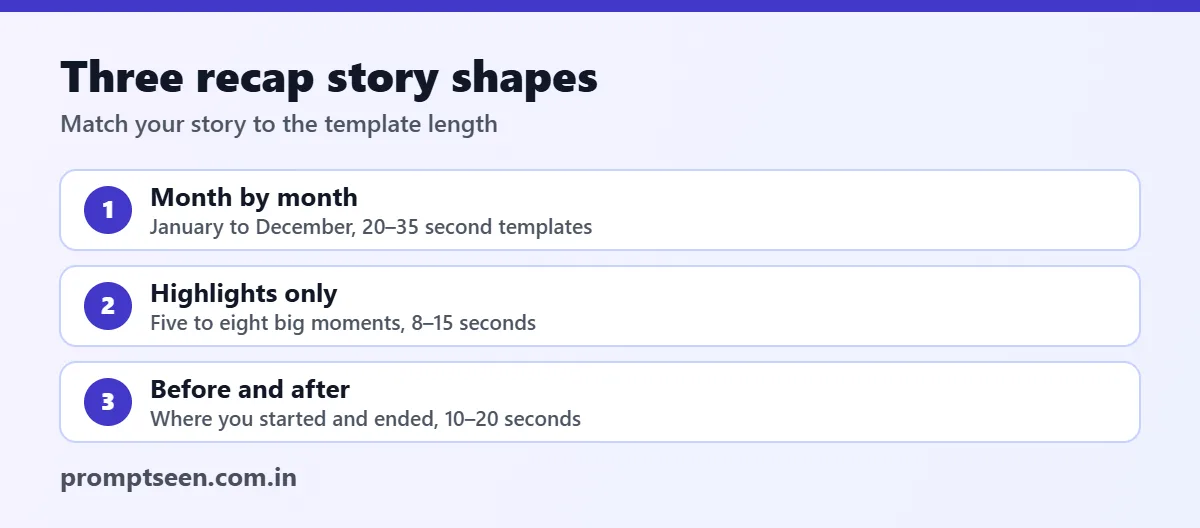
Three story shapes that work
| Story shape | How it flows | Template length that fits |
|---|---|---|
| Month by month | January to December, one or two moments each | 20–35 seconds |
| Highlights only | Your five to eight biggest moments, best last | 8–15 seconds |
| Before and after | Where you started in 2026 and where you ended | 10–20 seconds |
Match the shape to the template’s length. A six-second template cannot carry twelve months, and a thirty-second template with only four photos will feel slow.
How to find your best 2026 moments quickly
- Search your gallery by year. Google Photos and the iPhone Photos app let you filter or scroll by date, so you can jump straight to each month of 2026.
- Look at your favourites. Photos you starred or shared are usually the ones that mattered.
- Mix photos and short clips. Two-second video clips of laughter, travel or a concert add life between still photos.
- Pick one “ending” shot. A sunset, a group hug or you looking ahead makes a natural final frame before “2027”.
10 official VN templates for a 2026 recap
VN Video Editor is widely used in India, and its template library already has a strong set of 2026 recap designs. They are ordered from the most used to the least used on the day we checked.
1. My Story
A beat-synced personal story template listed under VN’s 2026 Recap collection. Its mid-length timing suits a highlights-only recap of eight to twelve moments.
2. 2026 Recap (15-second edit)
A popular, compact recap. Fifteen seconds is long enough for a quick tour of your year but short enough that people rewatch it.
3. 2026 Recap (23-second edit)
A longer version that gives each memory a little more screen time. Use it for a month-by-month story with your strongest photo at the end.
4. 2026 Moment
Short and punchy. Choose bright, simple photos because each frame passes quickly.
5. The Year in Moments
Designed for a fuller story. It works well for travel-heavy years or a family recap with many people.
6. Remember 2026
A nostalgic, reflective template. Pair it with softer photos such as quiet evenings, friends and family moments.
7. 2026 Recap (21-second edit)
A newer recap design with fewer users so far, which helps if you want your reel to look less common than the top templates.
8. Memories of 2026
A warm memories template. It fits a “thank you, 2026” post on 31 December.
9. Memories 2026
A short memories edit for stories and WhatsApp Status, where viewers tap through quickly.
10. Best Moments of 2026
One of the longest recap templates in the set. Save it for when you have plenty of good material and want a complete year-in-review.
5 CapCut recap templates (if CapCut works in your region)
These come from CapCut’s official Recap 2026 page. CapCut is not officially available on Indian app stores, so readers in India should use the VN templates above.
11. 2026 Moments
The most used recap template on CapCut’s page when we checked, built around a quick “2026 moments” photo dump.
13. 2026 So Far
Originally a “so far” style recap; it still works as a full-year summary if you add December moments.
15. 2026 Dump Recap
A photo-dump style template that handles many quick cuts, ideal for a busy, fun year.
Match the template to how many moments you have
Recap templates differ enormously in how many photos or clips they ask for. Among the CapCut options above, End of 2026 needs only 2 clips, while 2026 So Far asks for 84. Two of them, 2026 Moments and 2026 Dump Recap, are horizontal 16:9 designs, which look small on a phone unless you post them on YouTube or Facebook.
| Moments you have | Good fit | Why |
|---|---|---|
| 1–5 strong photos | End of 2026, Memories 2026 | Few slots, so every image counts |
| 10–25 photos and clips | 2026 Recap (24 clips), 2026 Recap (15-second VN edit) | Enough room for a highlights story |
| 50+ photos | 2026 So Far (84 clips), 2026 Moments (49 clips) | Built for fast photo dumps |
If a template asks for more slots than you have good photos, do not fill it with near-duplicates. Pick a shorter template instead; a tight 15-second recap is more watchable than a long one padded with blurry shots.
How to make your recap reel in VN, step by step
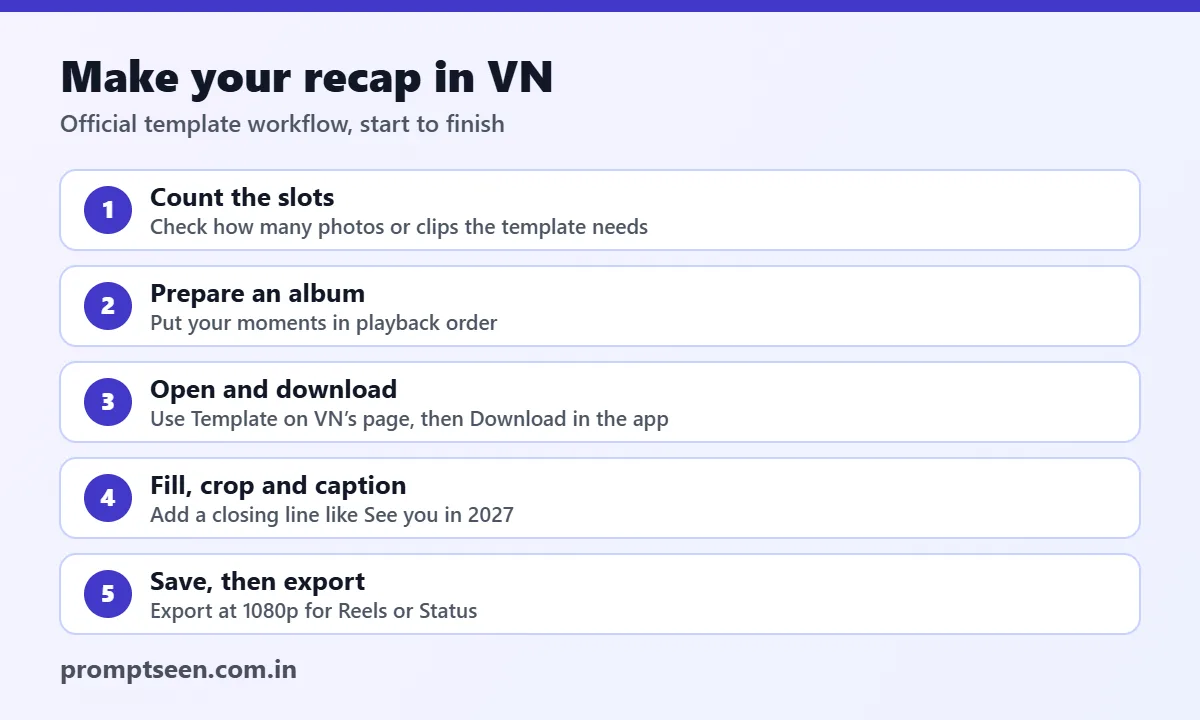
- Count the slots. Open the template preview and note how many photos or clips it needs.
- Prepare an album. Put exactly that many moments in one album, in the order you want them to play.
- Open the template. Tap Open VN Template, then Use Template on VN’s page to open it in the app, and tap Download.
- Fill the slots. Tap Use, select your media in order and tap Next.
- Fix crops. Tap any clip and use Crop to keep faces in the centre.
- Edit any text. Add a closing line such as “Thank you, 2026” or “See you in 2027”.
- Save, then export. Save the project first, then export in 1080p.
If you want to share your finished design as a template with friends, VN explains how to turn a project into a shareable code in its guide on sharing a VN template.
Choosing photos that make a recap feel emotional
- Open strong. The first frame should be bright and instantly understandable, such as a smiling close-up or a famous place.
- Vary distance. Alternate close-ups with wide shots so the reel does not feel repetitive.
- Keep colours friendly. If your photos range from dull indoor shots to vivid travel photos, apply one light filter to all of them.
- Put people over places. Viewers connect with faces and reactions more than with scenery alone.
- End with a look forward. A final frame of a sunrise, an open road or you smiling at the camera sets up “2027” naturally.
For templates that need a set number of photos, our guide to the 10-photo template format explains how to order images so every beat lands well.
Caption prompts for your recap
A good caption explains what the year meant without repeating the video. Copy a prompt, add your details and edit the result in your own words.
Grateful recap caption
Write five Instagram captions for my 2026 recap reel. My year included [three highlights]. Keep each caption under 25 words, grateful and honest, with no more than one emoji, and end with a short line welcoming 2027.
Funny recap caption
Write five funny captions for a 2026 photo dump reel with lots of food, travel and late-night plans. Keep them under 15 words and add one Hinglish option.
Tough year, good ending
Write a gentle 50-word caption for a 2026 recap reel about a difficult year that ended well. Mention resilience, the people who helped and hope for 2027, without sounding dramatic.
Travel year caption
Write three captions for a 2026 travel recap reel covering [places visited]. Each should be under 20 words and mention one feeling rather than listing every place.
Recap ideas for different kinds of years
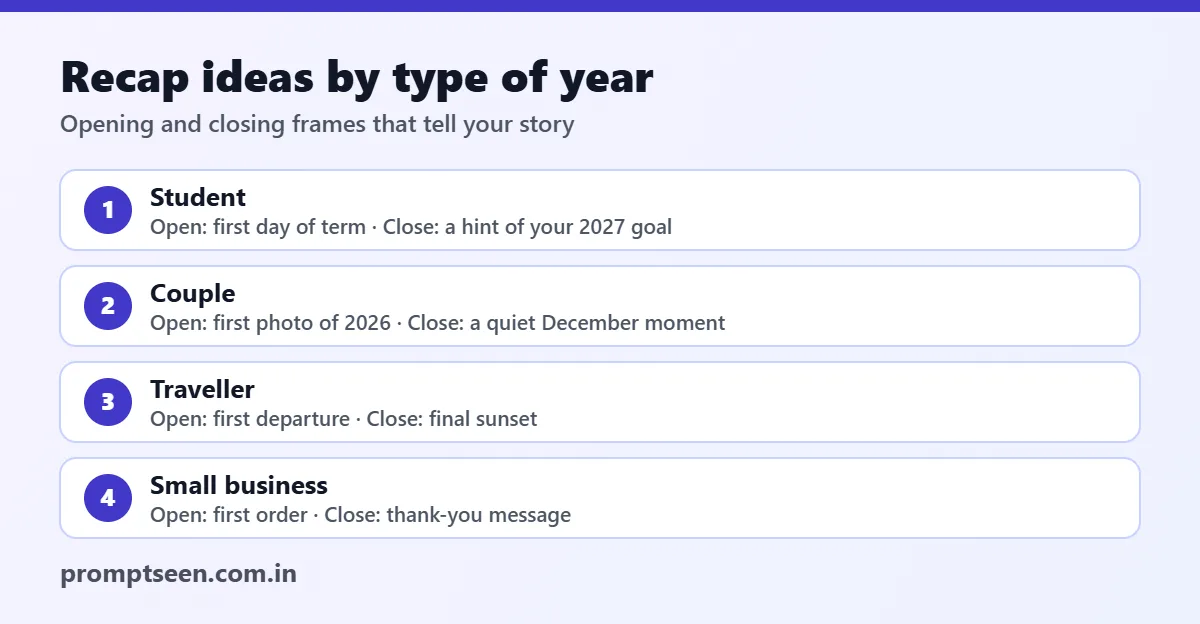
A recap feels personal when it reflects what your year was actually about. Use these ideas to decide which moments to include and how to end the reel.
Students
Show the first day of a new class, exam stress, a result day, college fests and friends. End with a frame that hints at your 2027 goal, such as a new campus or a course you plan to start. Short templates around 9 to 15 seconds suit the fast pace of student life.
Couples
Arrange moments in the order they happened: trips, festivals, anniversaries and small everyday photos like cooking together. Couples’ recaps work best with fewer, longer frames, so a template of 20 seconds or more gives each memory room to breathe.
Travellers
Open with your first trip of 2026 and close with your last, ideally a sunset or a view from a window seat. Alternate landscapes with photos of yourself so the reel feels like your story rather than a postcard collection.
Small businesses and creators
A business recap can show your first order of the year, new products, events, happy customers (with permission) and behind-the-scenes moments. End with a thank-you frame and one line about what is coming in 2027.
New parents
Month-by-month baby photos are perfect for a recap. Keep the same angle or background where possible so viewers can see the change. Use calm music and avoid fast-flashing templates.
Fitness or habit journeys
Use a before-and-after structure: where you started in January, a few training moments and where you finished in December. Be honest; small, real progress connects better than dramatic claims.
| Type of year | Best opening frame | Best closing frame |
|---|---|---|
| Student | First day of term | A hint of your 2027 goal |
| Couple | Your first photo together in 2026 | A quiet moment from December |
| Traveller | First trip departure | Final sunset or window view |
| Business | First order or launch | Thank-you message to customers |
| New parent | January baby photo | December baby photo, same angle |
| Fitness | Day-one photo | Latest progress photo |
Fix dull or blurry photos before adding them
Some of your most meaningful moments may be dark party shots or low-resolution screenshots. AI image tools can brighten or clean them, but use light edits so the memory still looks real. Keep the original file in case the edit goes too far.
Gentle brightness fix
Brighten this photo slightly and balance the colours so faces look natural, without changing anyone’s face, expression, clothes or the background. Keep it realistic, like a well-exposed phone photo.
Clean up a blurry memory
Improve the sharpness and reduce noise in this old photo while keeping every face, detail and colour exactly as they are. Do not add new objects or change the scene.
Match colours across photos
Adjust the colours of this photo to a warm, soft, natural look with gentle contrast, so it matches a set of golden-hour photos in a recap reel. Do not change faces or the scene.
A quick privacy check before you post
- Ask friends and family before including photos where they are clearly visible, especially in a public reel.
- Remove photos showing your home address, car number plate, tickets, ID cards or children’s school details.
- Avoid geotagging your home location in the caption or stickers.
- If a moment is very personal, consider sharing the recap with Close Friends instead of a public reel.
Music, length and posting time
Recap templates come with music, but you can change it. If you post on Instagram, adding a track from Instagram’s own music library avoids songs being muted later. Keep reels between 10 and 30 seconds; longer recaps often lose viewers before the best moments.
The most natural posting window is from 29 December to 1 January. Recaps posted too early miss December’s moments, and recaps posted after the first week of January feel late.
Troubleshooting your 2026 recap reel template
| Problem | Fix |
|---|---|
| Not enough photos for the slots | Use short video clips to fill gaps, or pick a shorter template. |
| Too many photos | Choose a longer template like Best Moments of 2026, or cut your weakest images. |
| Template link does not open the app | Install VN, open the template page in your phone’s main browser and tap Use Template again. |
| Old photos look blurry | Place them in quicker slots where each image stays on screen briefly. |
| Wrong year in the design | Check whether the text layer is editable, or switch to another 2026 recap template. |
FAQs
How many photos do I need for a 2026 recap reel?
Between 8 and 20 for most templates. Check the template’s slot count before collecting photos.
Can I add videos to a recap template?
Yes. Most VN and CapCut recap templates accept both photos and short video clips in their slots.
Which template is best for a family recap?
A longer template such as The Year in Moments gives each family member enough screen time.
Can I post my recap on WhatsApp Status?
Yes. Export the video and upload it as a status. Shorter templates fit WhatsApp’s status length more easily.
What should my last frame be?
A forward-looking moment, followed by a short line such as “Hello 2027”, gives the reel a clear ending.
Final thoughts
Decide on your story first, choose a template whose length fits it, and pick moments that show people and feelings rather than places alone. With an official VN template and ten minutes of editing, your goodbye to 2026 can look personal instead of copied.