CapCut 10 Photo Template: 35 Ideas to Turn a Photo Dump Into a Reel
A CapCut 10 photo template is the easiest way to turn a photo dump into a reel that people actually watch, with every picture synced to the music and a clear rhythm from start to finish. This guide gives you 35 copy-ready ideas for weekly dumps, travel galleries, events, aesthetic feeds, collages, year recaps and business showcases, plus selection tips that stop a ten photo reel from feeling repetitive. This guide is part of the free library at Prompt Seen.
Each idea has a copy button. Use it as a prompt in AI tools or as a recipe in any editor.
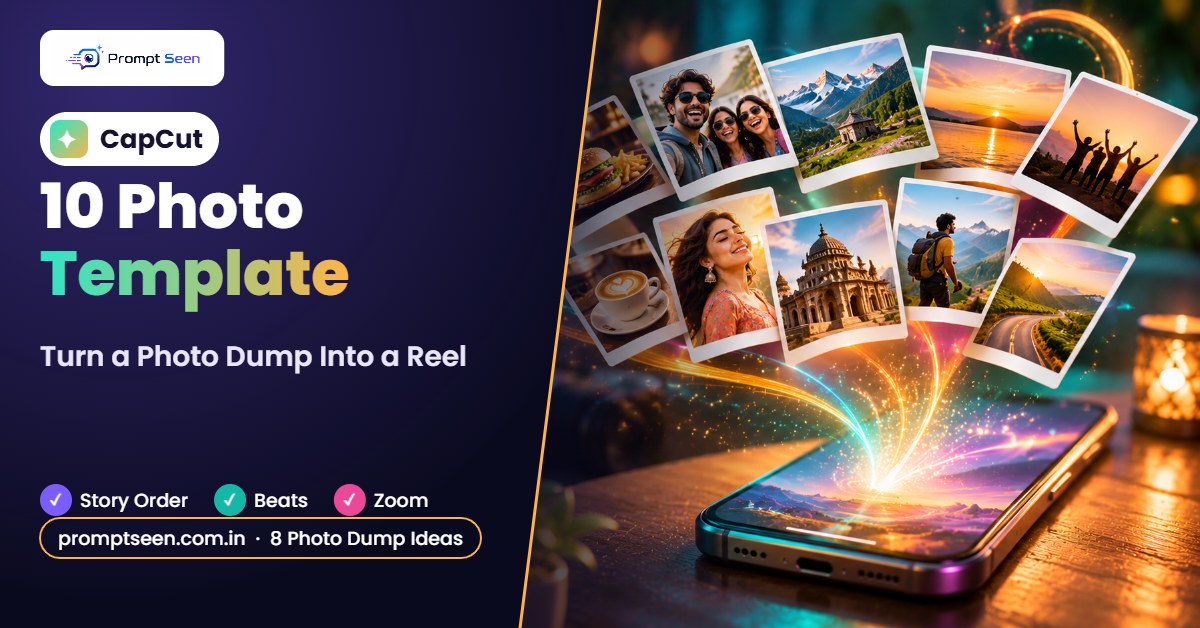
If your gallery is full of photos you never post, this guide will help you finally share them in a fun, watchable way.
Why Photo Dump Reels Are So Popular
Photo dumps started as casual carousel posts full of random moments. As reels took over, people began turning those dumps into short videos synced to music. A ten photo reel keeps the casual, real feel of a photo dump while adding rhythm and movement, which helps it reach more viewers than a static carousel.
Ten photos, one rhythm
The magic of a ten photo reel is rhythm. When photos change exactly with the beat, even unrelated moments feel connected.
Variety keeps it interesting
With ten slots, the biggest risk is repetition. Mixing wide shots, close-ups, people, food, details and scenery keeps viewers engaged until the last photo.
What makes a good photo dump
A good photo dump feels effortless but is actually curated. It shows real, slightly imperfect moments, a messy table after dinner, a blurry laugh, a sunset from a car window, rather than ten perfect poses. That authenticity is what viewers enjoy. Your job is to pick moments that feel genuine and arrange them so the reel flows naturally with the music.
It also helps to have a loose theme, such as one week, one trip or one feeling. A theme gives the dump a reason to exist and makes the caption easy to write.
Choosing Your Ten Photos
| Type of photo | How many | Why |
|---|---|---|
| Wide scenery or venue | 2 | Sets the scene |
| People and selfies | 3 | Adds personality |
| Details and close-ups | 2 | Adds texture |
| Food or objects | 1 to 2 | Adds variety |
| Best moment | 1 | The payoff for the end |
Use this mix as a guide. Place the strongest photo last, and avoid putting two similar photos next to each other.
Keep a favourites album on your phone and add photos to it through the week. When it is time to make a reel, the selection is already half done.
How to Use These Ten Photo Ideas
- Select 15 to 20 candidates and narrow them to the best ten.
- Pick an idea below and a song with a steady beat.
- Use the prompt in an AI tool or a template with ten slots.
- Arrange photos for variety and put the best one last.
- Apply one colour look and add a short caption.
- Export at 1080p.
35 CapCut 10 Photo Template Ideas
Ideas are grouped by purpose. Each one explains timing, effects and text.
Photo Dump Beat Prompts
The classic ten photo dump, synced to music.
Travel Photo Dump Prompts
Turn a trip gallery into a reel.
Event Photo Dump Prompts
Celebrations in ten frames.
Aesthetic Photo Dump Prompts
Calm, curated and cohesive.
Collage and Grid Prompts
Show many photos at once.
Story and Recap Prompts
Ten photos that tell a bigger story.
Business Photo Dump Prompts
Showcase your work.
Food and Lifestyle Photo Dump Prompts
Everyday life, made watchable.
Walkthrough: A 15-Second Weekly Dump
Step 1: Pick ten photos
Choose ten moments from your week using the variety mix above.
Step 2: Choose a steady beat
Pick an upbeat song and find a 15-second section with a consistent rhythm and a drop near the end.
Step 3: Time the photos
Give the first four photos two beats each, then switch to one photo per beat after the drop for the last six.
Step 4: Add flashes and caption
Add quick white flashes on the fastest cuts and a caption such as “This week” on the first photo.
Step 5: Grade and export
Apply one consistent colour look and export.
Arranging Ten Photos for Flow
Order matters more than people think. Start with a photo that grabs attention, such as a bright landscape or a funny moment. Follow with a mix of shot types, alternating people with places and details. Group photos from the same location together so the reel moves through the day or trip logically. End on your strongest photo, ideally timed to the biggest beat or the end of the music.
If your photos come from a single event, arrange them chronologically. If they are random moments, arrange them by colour or mood instead, moving from warm to cool or calm to energetic. Either way, a clear logic helps viewers follow along.
Photo Dumps vs Carousels
| Format | Strength | Best for |
|---|---|---|
| Ten photo reel | Movement, music, wider reach | Discovery and new followers |
| Carousel post | Viewers swipe at their own pace | Detailed photos and captions |
| Both | Reel for reach, carousel for detail | Important events and trips |
Many creators post a ten photo reel for reach and then share the same photos as a carousel for followers who want to look closely. Using both formats gives your photos the best chance to be seen.
Once this structure feels natural, try the slow-to-fast pattern with travel or event photos.
Ten photos, one song, one look: simple rules, great results.
Timing Options
| Style | Timing | Total length |
|---|---|---|
| Fast dump | 1 beat per photo | About 8 to 12 seconds |
| Mixed pace | 2 beats then 1 beat | About 15 seconds |
| Aesthetic | 2 seconds per photo | About 20 seconds |
| Recap | 1.5 seconds with labels | About 15 seconds |
Making a CapCut 10 Photo Template Your Own
Ten photo templates are used constantly, so your photos and captions are what make yours different. Choose moments that show your personality, add a caption that sounds like you and keep a colour look that matches your profile. Swapping the order of photos to tell a story also turns a generic template into something personal.
Editing Details for Smooth Dumps
Trim any gap before the first photo so the reel starts instantly. Use one transition style throughout, either clean cuts with flashes for energetic dumps or soft fades for aesthetic ones. Add a gentle zoom to slower photos so nothing feels static. Keep captions short and place them in the upper or middle area, away from app buttons at the bottom of the screen.
If the reel feels long, remove the weakest photo rather than speeding everything up. Nine strong photos always beat ten average ones.
Watch the finished reel once at full speed and once frame by frame; the second pass catches photos that appear too briefly or land off the beat.
Common Problems and Fixes
Reel feels repetitive
Quick fix
Remove similar photos and alternate shot types.
Too fast to see anything
Quick fix
Use two beats per photo or a slower song.
Colours clash
Quick fix
Apply one colour look to all ten photos.
Blurry after posting
Quick fix
Use high-resolution photos and export at 1080p.
A Monthly Photo Dump Routine
| When | Dump idea | Tip |
|---|---|---|
| Every Sunday | Weekly Photo Dump | Pick photos as the week goes |
| End of a trip | Trip Highlights Ten | Post within two days |
| End of month | Month in Ten | Add small date labels |
| After an event | Event dump | Ask friends to share their photos |
A simple routine like this keeps your profile active with very little effort and builds a visual diary you will love looking back on.
From Slide Shows to Reels
Photo slide shows have been around for decades, from projected film slides to digital presentations. Today’s photo dump reels are a fast, musical evolution of the same idea. The Wikipedia article on slide shows covers the history of this format.
Photo dumps are one of the simplest ways to share your life without overthinking. Choose real moments, keep a steady rhythm and let the music connect everything. Over time, your collection of ten photo reels becomes a lively record of your weeks, trips and celebrations that friends enjoy and you will treasure.
More Photo Template Guides
For shorter reels, try the CapCut 3 photo template or CapCut 5 photo template. For beat-focused edits, see the CapCut beat template.
Open your gallery, pick ten photos from this week and turn them into your first ten photo reel today. With a steady beat and a smart mix of shots, the CapCut 10 photo template makes any photo dump worth watching.
Related Guides
Frequently Asked Questions
What is a CapCut 10 photo template?
It is a ready-made edit with ten photo slots, usually synced to music, ideal for photo dumps and recaps.
How do I choose ten photos?
Mix wide shots, people, details, food and one standout photo for the end, and avoid similar photos next to each other.
Is CapCut available in India?
CapCut has not been officially available on Indian app stores since 2020. Alternatives include Instagram Edits, VN, InShot and Canva.
How long should a ten photo reel be?
Between 8 and 20 seconds depending on the pace.
Why does my photo dump feel boring?
It may have too many similar photos. Alternate shot types and keep a clear rhythm.
Can businesses use ten photo templates?
Yes. Use them for product catalogues, portfolios and customer moments.