Women’s Day AI Photo Prompts: 30 Empowering Portrait Edits
Women’s Day AI photo prompts help you create confident, empowering portraits and tributes for International Women’s Day on 8 March. This guide gives you 30 copy-ready prompts for Gemini and ChatGPT, covering professional portraits, entrepreneurs, sportswomen, family tributes, editorial art, workplace groups and greeting cards, all written to keep faces natural.
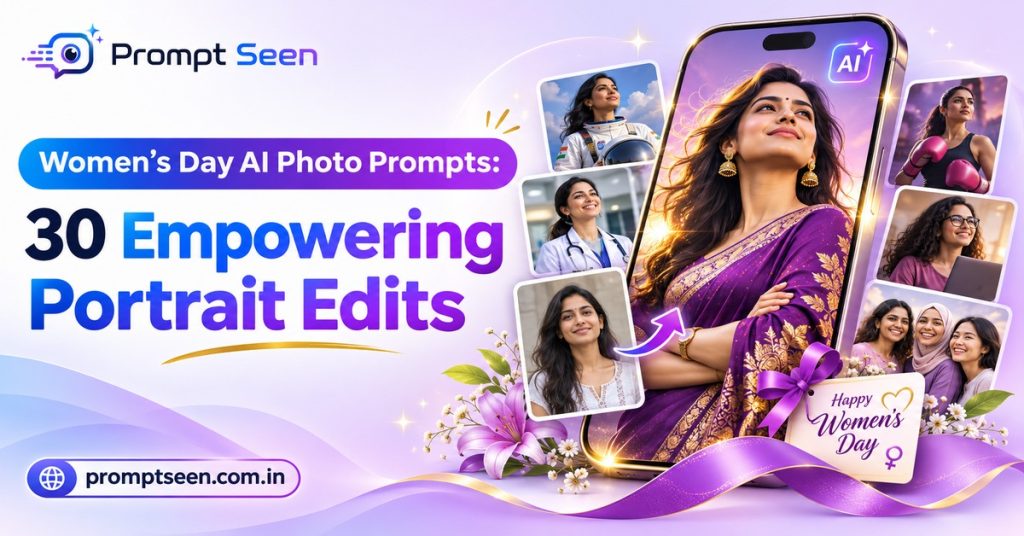
Many Women’s Day images online are generic pink graphics with flowers. Real empowerment looks different: a doctor in a busy corridor, a founder on stage, a grandmother with her granddaughters. These prompts focus on real achievements and relationships, so your posts feel meaningful rather than decorative.

Why Women’s Day AI Photo Prompts Are Popular
International Women’s Day is celebrated by companies, colleges, communities and families. People want to share images that honour the women in their lives, celebrate their own journeys or represent their teams. Professional photo shoots are expensive and hard to organise, but AI tools can create polished portraits from simple photos in minutes.
These images are also brand-safe and widely shared on LinkedIn, Instagram and WhatsApp. That is why searches for Women’s Day AI photo prompts rise sharply in late February and early March.
What Makes an Empowering Portrait
- Confident body language: relaxed shoulders, direct gaze, natural posture.
- Real context: a workplace, a stage, a sports field or a meaningful family moment.
- Natural styling: outfits that suit the role instead of heavy glamour.
- Good light: soft daylight or clean studio light that flatters without changing features.
- A story: the image should hint at what the woman does or cares about.
A Short History of the Day
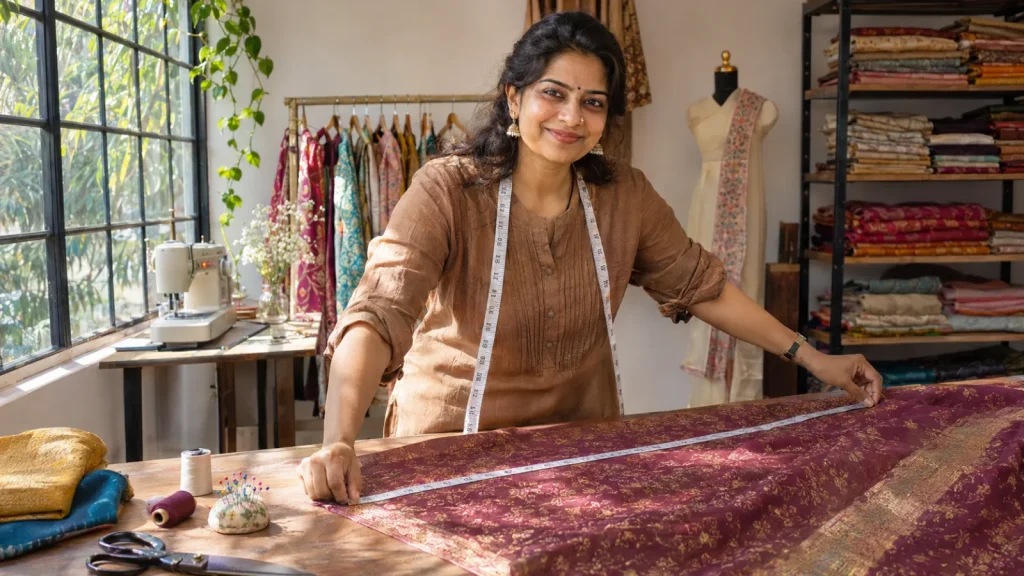
International Women’s Day grew out of labour and suffrage movements in the early twentieth century and is now recognised around the world. Each year it highlights achievements by women and the work still needed for equality. The colours purple, green and white are often used in celebrations, which is why some prompts below include them.
How to Use These Women’s Day AI Photo Prompts
- Choose a clear, well-lit photo where the face is sharp and natural.
- Open Gemini or ChatGPT in a new chat.
- Upload the photo and paste a prompt from the boxes below.
- Check that the face and body shape look the same.
- Make small changes one at a time, such as “warmer light” or “simpler outfit”.
- Download and share with a personal caption or tribute.
Choosing Between Gemini and ChatGPT
Gemini usually keeps faces closer to the original, which matters for professional and family portraits. ChatGPT is strong for editorial concepts such as magazine covers, superhero spirit images and greeting cards. Try the same prompt in both if a face changes.
30 Women’s Day AI Photo Prompts to Copy
These Women’s Day AI photo prompts are grouped by theme. Mix them freely: a professional portrait for LinkedIn, a family tribute for Instagram and a greeting card for WhatsApp.
Professional Power Portraits
Confident, polished portraits that celebrate work and ambition.
Entrepreneur and Creator Prompts
For women building businesses, brands and audiences.
Strength and Sports Prompts
Celebrate physical strength and determination.
Family and Generations Prompts
Women’s Day is also about the women who raised and inspired us.
Artistic and Editorial Prompts
Creative, magazine-style images with a message.
Group and Workplace Prompts
For teams, colleges and communities.
Greeting Card and Quote Prompts
No photo needed. Use these for posts and wishes.
The Empowerment Prompt Formula
| Part | Purpose | Example |
|---|---|---|
| Face lock | Keeps features the same | keep my face exactly the same |
| Role | Shows achievement | engineer with a safety helmet |
| Setting | Adds real context | construction site at golden hour |
| Pose | Shows confidence | holding a tablet, looking ahead |
| Light | Sets the mood | soft natural light, warm backlight |
| Style | Controls the finish | realistic photography, editorial look |
The role and setting are what make an image feel empowering. A clear profession or passion tells a story that a simple portrait cannot.
Outfit Guide by Theme
| Theme | Outfit ideas | Notes |
|---|---|---|
| Corporate | Blazer, shirt, saree with structured blouse | Clean and polished |
| Healthcare | Scrubs, white coat | Keep accessories minimal |
| Sports | Athletic wear, team uniforms | Show movement |
| Creative | Kurta, denim, artistic layers | Personal style matters |
| Tribute | Saree, suit, favourite outfit | Comfort and dignity |
| Women’s Day theme | Purple, green or white | Ties into the day’s colours |
Respectful Styling Tips
Avoid prompts that change skin tone, slim the body or alter age unless the person asks. Empowerment images should celebrate people as they are. If an AI tool makes someone look different, use a stronger face and body lock and regenerate.
Walkthrough: A Women’s Day Post Series
Here is how to plan a meaningful set of posts for the day.
Post 1: Your Own Story
Create a professional or passion portrait with one of the career, entrepreneur or sports prompts. Share a short caption about your journey.
Post 2: A Tribute
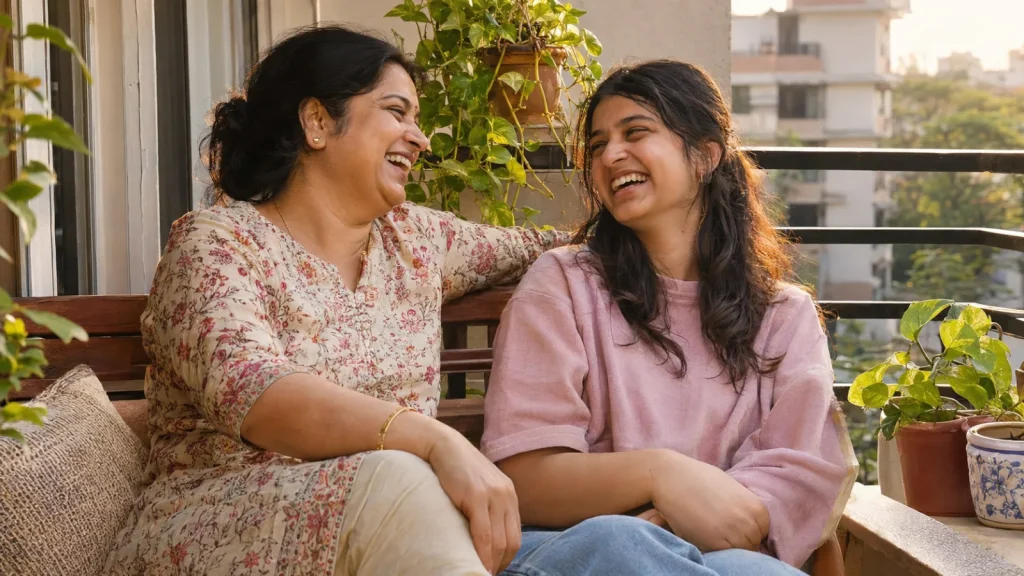
Use the Tribute to Mom or Three Generations prompt to honour women who inspired you.
Post 3: Community
Finish with a team or friends prompt and tag the people in it. Community posts often receive the most engagement.
Celebrating Everyday Women
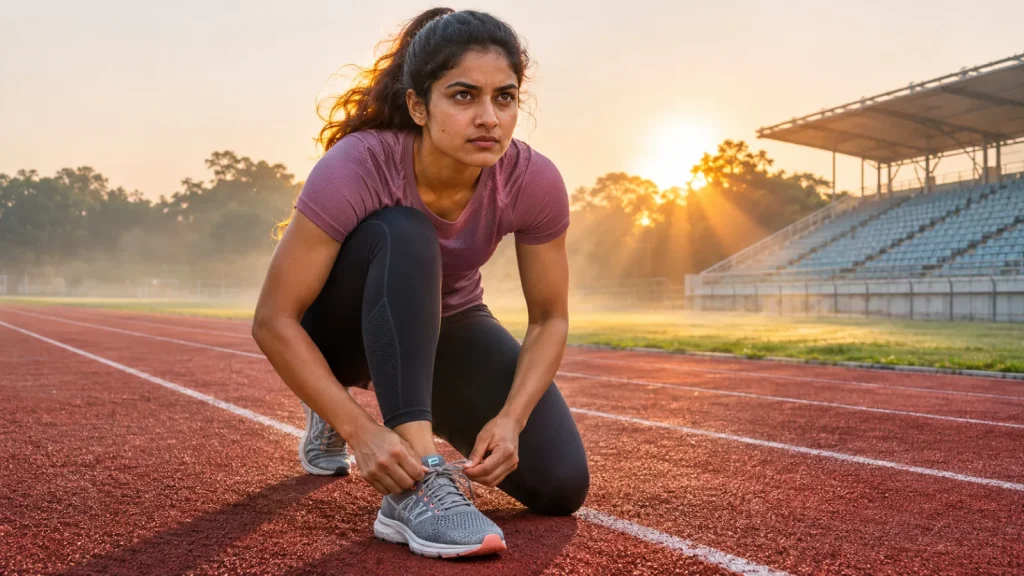
Empowerment is not only about famous careers. Some of the most moving Women’s Day AI photo prompts celebrate everyday women: the shopkeeper who opens her store at dawn, the nurse on a night shift, the farmer in her fields, the homemaker who runs a household with skill and patience. Write prompts that show these women with dignity, in their real settings, and pair them with a short story in the caption.
You can adapt any prompt above by changing the role and setting. For example, replace “boardroom” with “village self-help group meeting” or “engineer” with “bus conductor”. The structure stays the same, and the result honours a woman whose work is often unseen.
Women’s Day for Companies and Colleges
Organisations can use these Women’s Day AI photo prompts to celebrate employees and students, but always ask permission before editing someone’s photo. A simple series featuring real colleagues and their achievements is far more meaningful than stock graphics. Pair each portrait with a short quote from the person, and share it on LinkedIn or internal channels. Our Adobe Express LinkedIn banner prompts can help you design matching headers.
Common Problems and Quick Fixes
The face changed
Quick fix
Keep the face lock at the start, use a sharp photo and change one thing at a time. Our keep same face prompts explain repair steps.
The body shape changed
Quick fix
Add “keep my body shape, height and skin tone exactly the same as in the photo”.
The uniform looks wrong
Quick fix
Describe the uniform clearly, for example “navy blue pilot uniform with gold stripes on the sleeves”.
The image looks like a stock photo
Quick fix
Add a personal detail such as “my own handmade products on the table” or “my family photos on the wall”.
Women’s Day Captions and Quotes
- Here’s to strong women: may we know them, may we be them, may we raise them.
- Built different. Built by the women before me.
- Celebrating every woman who made me who I am.
- Strong, kind and unstoppable. Happy Women’s Day.
- To my mother, my first teacher and my forever hero.
- Our team, our story, our strength.
When you write a caption for an everyday hero, include her name if she agrees, what she does, and one sentence about why she inspires you. Short, specific stories are shared far more than general messages. If she prefers privacy, focus on her work and leave out personal details. Either way, show her the image before you post it, so the celebration feels like something you share together rather than something done about her.
When to Post
| When | What to post |
|---|---|
| 1–7 March | Greeting cards and team announcements |
| 8 March morning | Personal and professional portraits |
| 8 March evening | Tributes and family posts |
| After 8 March | Community and event recap posts |
Learning More
If you want to add a meaningful fact to your caption, the Wikipedia article on International Women’s Day explains its history and global celebrations.
Gemini vs ChatGPT for Women’s Day Edits
| Tool | Strength | Best for |
|---|---|---|
| Gemini | Natural faces and realistic settings | Professional and family portraits |
| ChatGPT | Creative editorial concepts | Magazine covers and cards |
For more portrait styles, see our Gemini black and white portrait prompts, the ChatGPT cinematic portrait prompts and the ChatGPT saree photo prompts for elegant tributes.
Final Thoughts
Women’s Day is a celebration of achievement, resilience and the women who shape our lives. Use these Women’s Day AI photo prompts to create portraits with real stories, keep faces and bodies true to life, and share them with thoughtful words. The most powerful images are the ones that show women exactly as they are, doing what they love.
Related Guides
- Gemini black and white portrait prompts
- ChatGPT cinematic portrait prompts
- Adobe Express AI LinkedIn banner
- Keep same face ChatGPT prompts
Frequently Asked Questions
What are Women’s Day AI photo prompts?
They are ready-made instructions for Gemini or ChatGPT that create empowering portraits, tributes and greeting cards for International Women’s Day.
When is International Women’s Day?
It is celebrated every year on 8 March.
Which colours represent Women’s Day?
Purple, green and white are commonly associated with International Women’s Day.
Can companies use these prompts for employees?
Yes, but always ask permission before editing someone’s photo and keep their features unchanged.
How do I keep the face and body unchanged?
Use a sharp photo, start with a face lock and add a line asking to keep body shape, height and skin tone the same.
Which tool is best for professional portraits?
Gemini usually keeps faces more natural, while ChatGPT is good for creative editorial images.