CapCut Wedding Template: 35 Ideas for Cinematic Wedding Reels
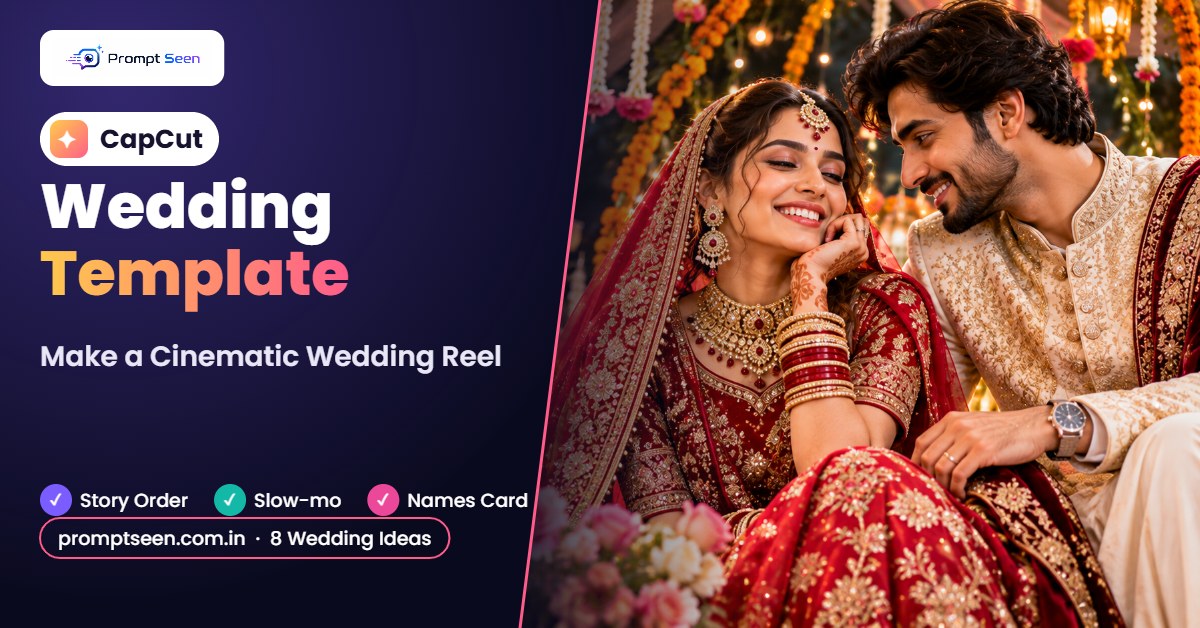
A CapCut wedding template helps you turn wedding photos and clips into a cinematic reel with emotional pacing, elegant transitions and music that rises at just the right moment. This guide gives you 35 copy-ready ideas for ceremonies, pre-wedding functions, couple portraits, family moments, decor, regional traditions and teasers, plus the structure, colour and filming tips that make wedding reels feel like a film. You can find more guides like this on Prompt Seen.
Each idea has a copy button. Use it as a prompt in AI script-to-video tools or as a recipe to customise any wedding template.
Whether you are the couple, a sibling, a cousin or a friend with a phone, these ideas will help you capture the celebration beautifully.
Why Wedding Reels Matter
A wedding is one of the most important days in a family’s life, and Indian weddings are full of colour, music, rituals and emotion over several days. Professional films can take weeks to arrive, but a well-made reel lets you share the joy immediately with friends and relatives who could not attend. Templates make it possible to create a polished reel the same night.
Every function has its own mood
Haldi is playful, mehndi is colourful, sangeet is energetic, the pheras are sacred and vidaai is emotional. A good wedding reel respects these changes in mood with different pacing and music.
Emotion is the heart of it
The moments people remember are emotional: a father’s tears, a grandmother dancing, the couple’s first look. Give these moments space in your edit.
A reel for every audience
Wedding reels serve different viewers. Relatives abroad want to see the rituals and family. Friends want the dance floor and fun. The couple wants the emotional moments and portraits they will treasure. Making two or three versions, a family edit, a friends edit and a short public teaser, ensures everyone gets the reel they care about.
A CapCut wedding template makes this easy, because you can reuse the same structure and simply swap in different clips for each audience.
Choosing a Wedding Template
| Moment | Template keywords | Pacing |
|---|---|---|
| Ceremony | wedding cinematic, shaadi | Slow, emotional |
| Haldi and mehndi | haldi, mehndi, colourful | Playful, medium |
| Sangeet | sangeet, dance, party | Fast, beat-synced |
| Couple | couple portrait, romantic | Slow, dreamy |
| Teaser | wedding teaser, highlights | Build-up to a peak |
Pick a template with slots that match the number of clips you have. A teaser template with 15 slots needs plenty of good footage.
How to Use These Wedding Reel Ideas
- Collect the best photos and clips from each function.
- Pick an idea that matches the moment you want to highlight.
- Use the prompt in an AI tool or choose a template with similar pacing.
- Arrange clips in the order of the day.
- Apply one warm, rich colour look across all clips.
- Add the couple’s names and date at the end, then export.
35 CapCut Wedding Template Ideas
Ideas are grouped by moment. Each one describes the clips, pacing, colour and music.
Ceremony Highlight Prompts
The core moments of the wedding day.
Pre-Wedding Function Prompts
Haldi, mehndi, sangeet and more.
Couple Portrait Reel Prompts
Romantic shots of the newlyweds.
Family and Guest Reel Prompts
The people who make the day.
Decor and Detail Reel Prompts
The beauty in the details.
Regional Wedding Reel Prompts
Celebrate traditions from across India.
Wedding Teaser and Recap Prompts
Short versions for social media.
Walkthrough: A 30-Second Wedding Highlight
Step 1: Pick ten moments
Choose decor details, the bride getting ready, the baraat, the varmala, a family blessing, the pheras, a candid laugh, a dance clip, a couple portrait and the vidaai.
Step 2: Choose music with a build
Select a song that starts soft and builds to a strong peak. Find a 30-second section that includes that rise.
Step 3: Arrange the story
Start with slow detail shots, speed up during the baraat and dance, slow down for the varmala and pheras, and end on the vidaai or couple portrait at the musical peak.
Step 4: Grade and title
Apply a warm golden look and add the couple’s names and date in an elegant serif font on the final shot.
Step 5: Export
Export in 1080p for social media and a landscape version for a TV screen at the reception.
If you do not have clips of every moment, mix photos and videos. A slow zoom on a photo of the pheras can sit perfectly between two dance clips and keeps the story complete.
Colour Looks for Wedding Reels
| Look | How to get it | Best for |
|---|---|---|
| Warm golden | Warm tones, soft highlights | Most ceremonies |
| Rich festive | Saturated reds and golds | Sangeet and baraat |
| Soft pastel | Lifted shadows, gentle colours | Day weddings and haldi |
| Film grain | Muted colours, grain | Nostalgic, documentary style |
| Night glow | Warm lights, deep shadows | Night portraits and sparklers |
For outdoor day weddings, a soft pastel look keeps whites and light colours fresh, while night functions benefit from the warm glow look that makes fairy lights and diyas shine.
Night footage needs care: film near light sources such as decor lights or the mandap, and avoid zooming in digitally, which makes low-light clips grainy.
Above all, keep every reel joyful and respectful, the way the family will want to remember the day.
Music Choices
Wedding reels often use romantic Bollywood songs, instrumental shehnai or flute pieces, or soft cinematic music. Use music from the platform’s licensed library when posting publicly. For family-only videos, choose songs that carry meaning for the couple.
Making a CapCut Wedding Template Your Own
Wedding templates are popular, so personalise yours with real details: the couple’s initials in the title, a clip of a family tradition unique to your community, a line from the couple’s vows or a funny moment only your family will recognise. These touches turn a common template into a keepsake.
Planning Reels Across a Multi-Day Wedding
Indian weddings often stretch across three to five days, which can produce hundreds of clips. Instead of trying to fit everything into one reel, plan a small series: one reel per function and one final highlight. This keeps each reel focused and gives guests something new to watch each day.
| Day | Reel | Template style |
|---|---|---|
| Day 1 | Haldi Fun | Bright, playful |
| Day 2 | Mehndi Details and Sangeet Night | Colourful, energetic |
| Day 3 | Bride Entry, Varmala, Pheras | Cinematic, emotional |
| Day 4 | Reception Grand Entry | Glamorous |
| After | 15-Second Teaser | Best of everything |
Ask a cousin or friend to be the official reel maker for the family. One person collecting clips from everyone makes editing much easier and ensures no special moment is missed.
Collecting Footage From Guests
Guests film many moments you will never see yourself. Create a shared album or group where everyone can upload clips and photos at the end of each day. Ask them to film horizontally for the TV version and vertically for reels if they can. The best wedding reels often include a few unexpected moments captured by guests, such as a grandmother’s dance or a child asleep on a chair.
Name each uploaded clip by function to save editing time later.
Filming Tips for Wedding Reels
- Film details early: outfits, jewellery, decor and invitations before guests arrive.
- Use slow motion at 60 fps for walking, dancing and emotional moments.
- Stand at a respectful distance during rituals and follow the family’s wishes.
- Capture reactions as well as the main action: parents, friends and grandparents.
- Keep your phone charged and storage free; weddings produce a lot of footage.
Editing details for a film-like feel
Use slow cross-dissolves between emotional moments and quick cuts only during dances. Keep titles minimal and elegant. Add a gentle fade to black before the final shot, then reveal the couple’s names. Let the last frame hold for three to four seconds so viewers can take in the moment.
Common Problems and Fixes
Reel feels too long
Quick fix
Make a short 30-second teaser for social media and a longer version for family.
Low light footage looks noisy
Quick fix
Use clips filmed near decor lights, and reduce noise or darken slightly in editing.
Colours look different across clips
Quick fix
Apply one colour look to all clips and adjust warmth so they match.
Music muted after posting
Quick fix
Add the song from the platform’s licensed library.
Sharing the Final Reel
Share the final reel first in the family group, then on social media if the couple agrees. Export a 1080p vertical version for Instagram and WhatsApp status, and a landscape version for playing on a TV at the reception or a post-wedding gathering. Keep the original files safe in cloud storage so the family can access them years later.
A short thank-you reel for guests, posted a few days later, is a lovely way to end the celebration.
Respect and Consent
Weddings include private and sacred moments. Ask the couple and families before posting, avoid sharing guests’ faces without permission and keep ritual moments calm and respectful. For context on the traditions behind many ceremonies, see the Wikipedia article on Hindu weddings.
A wedding reel made with care becomes part of the family’s story, watched at anniversaries and shared with the next generation.
More CapCut Guides
For romantic couple reels, try the CapCut couple template. For cinematic looks, see the CapCut cinematic template, and for invitations, our Adobe Express AI wedding invitation guide.
Start with the moment that matters most to the couple, build a short reel around it and expand from there. A thoughtful CapCut wedding template reel becomes a memory the family will watch again and again.
Related Guides
- CapCut couple template
- CapCut cinematic template
- Adobe Express AI wedding invitation
- CapCut Punjabi template
Frequently Asked Questions
What is a CapCut wedding template?
It is a ready-made cinematic edit where you replace placeholder clips with your own wedding photos and videos.
How do I make a cinematic wedding reel?
Arrange clips in the order of the day, start calm, build with celebration and end on an emotional moment, with a warm colour look and rising music.
Is CapCut available in India?
CapCut has not been officially available on Indian app stores since 2020. Alternatives include Instagram Edits, VN, InShot, Filmora and Instagram’s Reels editor.
How long should a wedding reel be?
A 15 to 30 second teaser works for social media, while family versions can be longer.
What colour look suits wedding reels?
A warm golden look suits most ceremonies, with richer colours for sangeet and baraat.
Should I ask before posting wedding videos?
Yes. Always ask the couple and families, especially for ritual moments and guests’ faces.