Adobe Express AI Wedding Invitation: 35 Elegant Design Prompts
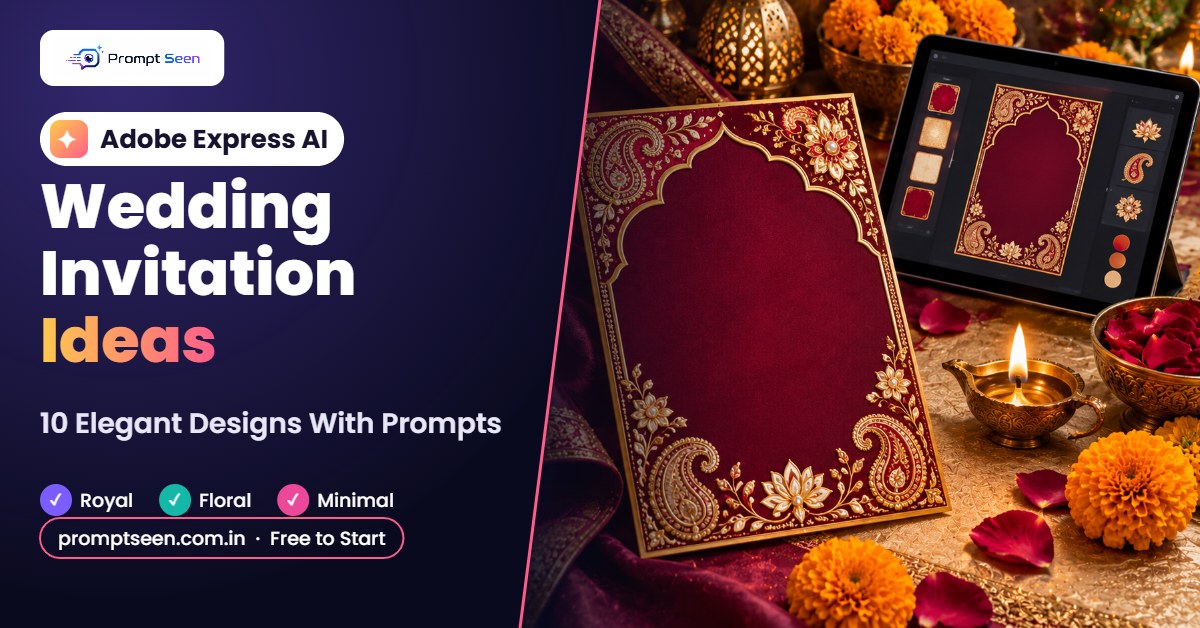
This Adobe Express AI wedding invitation guide gives you 35 copy-ready prompts to design beautiful invitations for the wedding day, haldi, mehndi, sangeet, engagement and more. You will also learn how to add text, choose fonts and colours, create digital invites for WhatsApp and prepare files for printing. For more free prompts and editing guides, visit the Prompt Seen home page.
Every prompt has a copy button. Paste it into Adobe Express’s Generate image tool, then add your names, dates and venue on top.
Why Use Adobe Express for Wedding Invitations?
Wedding invitations set the tone for the whole celebration. Traditionally, families spend weeks choosing designs at printing shops. Adobe Express combines AI image generation with an easy design editor, so you can create a custom background that matches your theme and add text yourself in minutes.
AI backgrounds, real design control
The AI creates the artwork, such as floral borders, mandalas or palace arches, while the editor gives you full control over names, dates, fonts and layout. That combination is what makes invitations look professional.
Digital and print in one place
You can design a printed 5×7 card and then resize it into a vertical digital invite for WhatsApp and Instagram, keeping the same style for every guest.
Free and paid features
Adobe Express has a free plan with a limited number of generative credits, and paid plans include more credits and premium assets. Check your credits before generating many options.
Personal touches families love
An invitation is often kept for years. Small personal details make it special: the couple’s initials in a crest, a motif linked to the family’s hometown, the bride’s favourite flower in the border or the colours of the wedding outfits. Mention these details in your Adobe Express AI wedding invitation prompt and the artwork will feel made for you rather than chosen from a catalogue.
How to Use These Adobe Express AI Wedding Invitation Prompts
- Open Adobe Express and search for “wedding invitation” or create a custom size such as 5×7 inches.
- Open Generate image (powered by Adobe Firefly) from the editor.
- Copy a prompt from below and paste it.
- Generate a few options and choose the one that fits your theme.
- Set it as the background and add text: names, date, time, venue and RSVP details.
- Download as a high-quality PDF for printing or as PNG/JPG for sharing.
35 Adobe Express AI Wedding Invitation Prompts
Choose prompts that match your culture, venue and colours. Use the same style across all events for a matching invitation suite.
Classic Indian Wedding Invitation Prompts
Rich, traditional designs for the main ceremony.
Modern and Minimal Wedding Prompts
Clean designs for couples who like a contemporary look.
Pre-Wedding Event Invitation Prompts
Designs for haldi, mehndi, sangeet and more.
Regional Style Wedding Prompts
Celebrate tradition with regional details.
Theme and Destination Wedding Prompts
For beach, hill and garden weddings.
Save the Date and Thank You Prompts
Cards before and after the big day.
Reception and Family Function Prompts
Designs for the events around the wedding.
What to Write on a Wedding Invitation
| Detail | Example |
|---|---|
| Opening line or blessing | With the blessings of our families |
| Couple names | Priya & Arjun |
| Event | Wedding Ceremony |
| Date and time | Saturday, 14 February 2027, 7:00 PM |
| Venue | Full venue name and city |
| RSVP | Name and phone number or a QR code |
Wording tips
Keep the wording warm and simple. Many Indian invitations begin with a blessing or the names of parents; modern cards may start with a friendly line. Double-check spellings of names and the venue before printing.
Adding Hindi or Regional Language Text
Many families like to include a line in Hindi, Sanskrit, Tamil, Bengali or another language, such as a shloka or blessing. Adobe Express supports many fonts for Indian scripts. Type or paste the text, then check that every character displays correctly before printing, because some decorative fonts do not support all scripts. A bilingual card with names in English and a blessing in your mother tongue feels both modern and rooted.
Adding a QR code
A small QR code linking to the venue location, a wedding website or an RSVP form is now common on digital and printed cards. Place it near the bottom corner and keep it large enough to scan easily.
Fonts and Colour Combinations
| Theme | Font style | Colour palette |
|---|---|---|
| Royal traditional | Ornate serif with a script accent | Maroon, gold, cream |
| Modern minimal | Clean sans-serif with a light script | Sage, white, gold |
| Romantic floral | Elegant script for names | Blush, ivory, rose gold |
| South Indian | Classic serif | Gold, green, ivory |
| Destination beach | Light handwritten script | Turquoise, sand, white |
Use no more than two fonts: a decorative script for names and a readable serif or sans-serif for details. Too many fonts make an invitation look cluttered.
Gold and maroon remain the most popular combination for Indian weddings, but pastel and emerald palettes are increasingly common for day and destination weddings.
Creating an Invitation Suite
An invitation suite is a set of matching cards for every event. To create one, keep the same colour palette and border style, and change only the central artwork or a few details for each event.
- Main wedding card in the richest version of your theme.
- Haldi, mehndi and sangeet cards with event-specific details but the same border.
- Save the date card in a lighter version of the palette.
- A digital story invite and a thank you card to complete the set.
Walkthrough: Designing a Haldi Card in Ten Minutes
- Create a 5×7 portrait design in Adobe Express.
- Generate the Haldi Ceremony prompt and pick the brightest, cleanest option.
- Set it as the background and add a soft cream rounded rectangle in the centre at 80 percent opacity.
- Add the couple names in a playful script font and the details in a clean sans-serif.
- Add a small line such as “Wear yellow and come ready for colour”.
- Export a PDF for print and resize a copy to 9:16 for WhatsApp.
Repeat the same steps for mehndi and sangeet, keeping the fonts and layout identical. Only the AI background and colours change, which gives you a polished matching suite with very little effort.
Digital Invitations for WhatsApp
Many families now send digital invites first. Resize your design to a vertical 9:16 format for WhatsApp status and Instagram stories, or 4:5 for chats. Keep text larger than on print, because phone screens are small. Adobe Express also lets you add simple animations, such as fading in the names, which makes digital invites feel special.
Send digital invites to close family first and ask them to check details. A second pair of eyes catches mistakes before the invite reaches hundreds of guests.
Printing Your Invitation
File format
Download as a high-quality PDF for printers. Ask your printer whether they need bleed (extra space around the edges) and set it before exporting.
Paper choice
Textured matte paper suits traditional and rustic designs, while smooth card with gold foil suits luxury themes.
Test print
Always print one copy at home or at a shop first to check colours, spelling and readability.
Common Problems and Fixes
Text is hard to read
Quick fix
Add a soft background shape behind text or choose a calmer AI image.
AI image has odd details
Quick fix
Generate more options or remove small errors with the editor. Avoid asking for detailed deities or faces in the AI art.
Colours print differently
Quick fix
Screens show brighter colours than paper. Do a test print and adjust saturation if needed.
Too many elements
Quick fix
Remove extra icons and keep one main motif. Simple designs look more elegant.
The Tradition Behind Invitations
Wedding invitations have a long history across cultures, from handwritten notes to printed cards and today’s digital invites. The Wikipedia article on wedding invitations gives an interesting overview of how customs and designs have changed over time.
Adobe Express vs Canva for Wedding Cards
| Feature | Adobe Express | Canva |
|---|---|---|
| AI art engine | Adobe Firefly | Magic Media |
| Wedding templates | Yes | Yes, very large library |
| Print export | High-quality PDF | High-quality PDF |
| Best for | Clean, refined designs | Huge variety and quick edits |
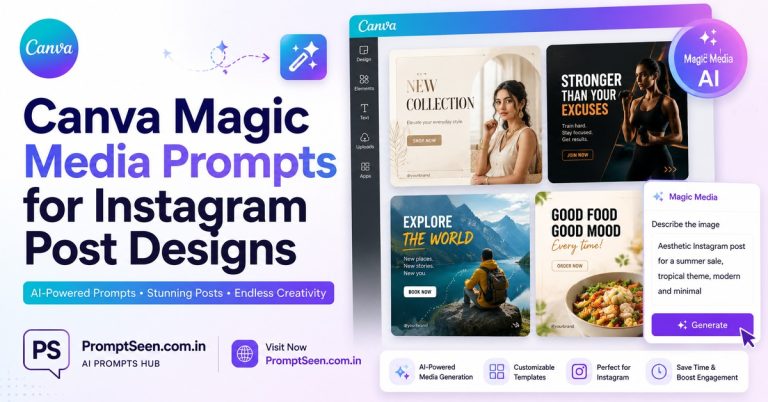
If you prefer Canva, our Canva Magic Media prompts work in a similar way. For wedding portraits of the couple, try the ChatGPT saree photo prompts or the blend two photos in Gemini guide.
Start with the main wedding card, get the family’s approval on the style, and then create the rest of the suite. It saves time and keeps every card consistent.
Related Guides
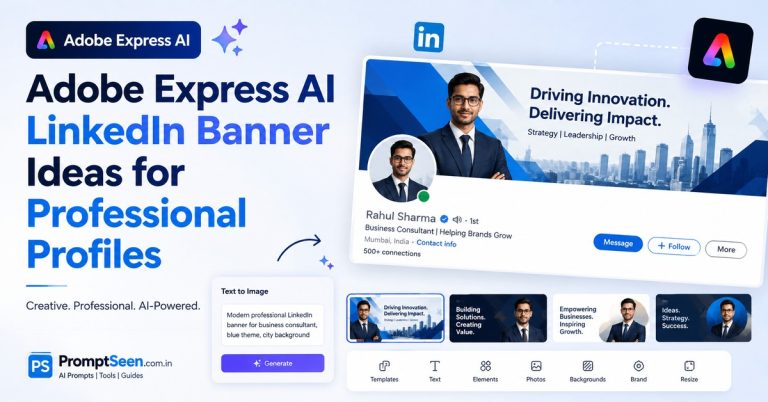
- Adobe Express AI LinkedIn banner
- Canva Magic Media prompts
- Blend two photos in Gemini
- Meta AI festival image prompts
Frequently Asked Questions
Can I make a wedding invitation with AI in Adobe Express?
Yes. Use Generate image to create a background from a prompt, then add your names, date and venue with the text tools.
What size should a wedding invitation be?
A 5×7 inch portrait card is a popular print size. For WhatsApp, use a vertical 9:16 or 4:5 digital version.
Is Adobe Express free for invitations?
Adobe Express has a free plan with limited generative credits. Paid plans add more credits and premium assets.
What should I write on a wedding card?
Include a blessing or opening line, the couple’s names, the event, date, time, venue and RSVP details.
Can I print invitations designed in Adobe Express?
Yes. Download a high-quality PDF and confirm bleed and paper requirements with your printer.
Do these prompts work in Canva?
Yes. You can use them with Canva Magic Media and other AI image tools.