Blend Two Photos in Gemini: 35 Prompts for Seamless Merges
This guide shows you how to blend two photos in Gemini so they look like one natural image. You will find 35 copy-ready prompts for placing yourself in a new location, combining people from separate photos, trying on outfits, matching styles, creating double exposures and making emotional then-and-now memories, along with simple rules that make every blend look real. Browse all categories on Prompt Seen if you want more ideas.
Every prompt has a copy button. Upload both images to Gemini, paste a prompt and download the result.
Why Blend Photos With Gemini?
Combining photos used to require hours of careful cutting, masking and colour matching in professional software. Gemini can now understand two or more uploaded images and merge them using plain language instructions. It is especially good at keeping faces consistent and matching light, which are the two hardest parts of any blend.
What you can blend
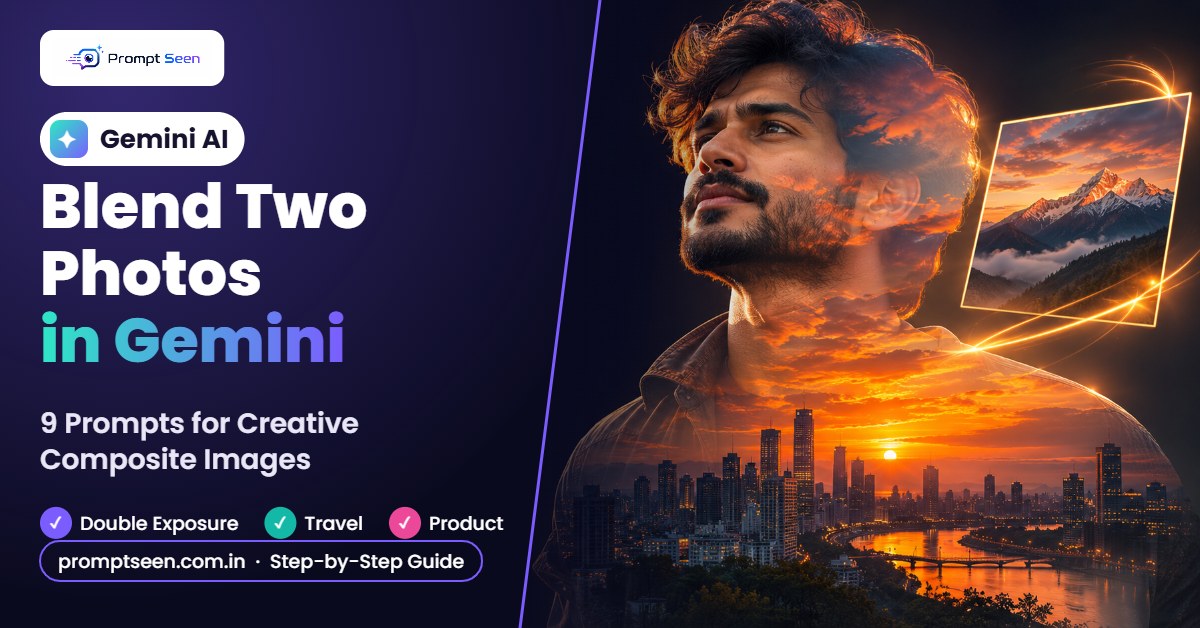
You can blend a person with a place, two people who were never in the same photo, a person with an outfit or product, a subject with an art style, or two scenes into an artistic double exposure.
Gemini and multi-image editing
Gemini’s image model, widely known as Nano Banana, became popular for exactly this kind of multi-image editing. You can upload several images in one message and describe how they should be combined.
When blending is better than editing
If you only want to change your background, a simple edit prompt is often enough. Blending is better when you have a real photo of a specific place, outfit, object or person that you want to keep accurately. For example, a real photo of your hometown temple or your actual car gives a far more personal result than a scene invented by AI. That is the real power of learning to blend two photos in Gemini: you combine real pieces of your life into one image.
The Golden Rule: Give Each Image a Role
The most important thing when you blend two photos in Gemini is to tell it which image does what. Without clear roles, Gemini may mix faces, swap backgrounds or blend the wrong parts. Start every prompt with a sentence like “Use the first image for the person and the second image as the location.”
| Role | Example wording |
|---|---|
| Person | Use the first image for my face and body |
| Location | Use the second image as the background location |
| Outfit | Use the second image only for the clothing |
| Style | Use the second image only as a style reference |
| Object | Use the second image for the product |
How to Blend Two Photos in Gemini
- Open Gemini in the app or on the web and start a new chat.
- Upload both images in the same message, in the order you will describe.
- Copy a prompt from below and paste it.
- Check the face, light direction, scale and shadows.
- Refine with short follow-ups such as “make me slightly smaller” or “add a shadow under my feet”.
- Download the blended image.
35 Prompts to Blend Two Photos in Gemini
Prompts are grouped by type of blend. Change the details to fit your images.
Person and Place Blend Prompts
Put yourself in a location from another photo.
Two People Together Prompts
Combine people from separate photos into one natural image.
Outfit and Object Blend Prompts
Use one image for clothing or items.
Style Blend Prompts
Use one image for the subject and another for the art style.
Double Exposure and Creative Merge Prompts
Artistic blends that merge two images into one.
Then and Now and Memory Prompts
Emotional blends that connect past and present.
Festival and Occasion Blend Prompts
Bring people together for special days.
If a prompt does not fit your images exactly, edit the details freely. The structure of roles, placement, light and finish is what matters most.
Making Blends Look Natural
Match light direction
Look at where shadows fall in both images. If they disagree, ask Gemini to “relight me to match the light from the left in the second image”.
Get the scale right
People often look too big or too small after blending. Mention the scale: “life-size, standing about three metres from the camera”.
Add contact shadows
A soft shadow under feet or where a person sits makes them feel grounded. Ask for “realistic contact shadows”.
Match colour and grain
Ask Gemini to “match the colour temperature and grain of the second image” so both parts feel like one photograph.
Zoom in on hands, feet and hair edges after every blend. These small areas reveal most mistakes, and a quick follow-up prompt can usually fix them.
Choosing the Right Photos
| Photo | Good for blending? | Tip |
|---|---|---|
| Sharp, front-facing person | Yes | Best for faces |
| Person with plain background | Yes | Easier to separate |
| Very wide landscape | Yes | Leaves room for a person |
| Blurry or dark photo | No | Use a clearer one |
| Group with overlapping people | Harder | Use individual photos |
Photos taken with similar phones and at similar times of day usually blend best, because their colours, sharpness and noise already match.
Walkthrough: A Long-Distance Friendship Photo
Two friends living in different cities want a photo together. Here is how to create it.
- Collect a clear photo of each friend, ideally both taken outdoors in daylight.
- Upload both and use the Friends Side by Side prompt.
- If one friend looks taller than in real life, reply with their real height difference.
- Ask for a shared background, such as a beach or park, and matching light.
- Finish with a gentle colour grade so the photo feels like one moment.
The same steps work for couples, family reunions and graduations. The key is clear roles, similar light and small refinements.
Save the final result and the two originals together in one album, so you can always create a new version later with different settings or backgrounds.
Common Problems and Fixes
Faces got mixed up
Quick fix
State the role of each image clearly and keep a face lock for each person. Our guide on keeping your face unchanged in Gemini covers this in detail.
Person looks pasted on
Quick fix
Ask for matching light, contact shadows and the same depth of field as the background.
Wrong size or perspective
Quick fix
Describe camera height and distance, for example “photographed at eye level from five metres”.
Gemini changed the background too much
Quick fix
Add “keep the second image’s background exactly as it is, only add the person”.
Writing Your Own Blend Prompts
| Part | Example |
|---|---|
| Roles | Use the first image for me and the second image as the location |
| Placement | standing on the left, near the railing |
| Scale and camera | life-size, eye-level camera, five metres away |
| Light | matching soft evening light from the right |
| Finish | realistic contact shadows, same colour grade and grain |
Write each part in a separate short phrase and join them into one prompt. This structure is what turns a pasted-looking result into a believable photograph. If something still feels off, change only one part at a time so you can see what fixed it.
Blending Three or More Images
Gemini can work with more than two images, which is useful for group photos of friends or family who were never together. Number your images in the prompt, describe each role, and keep the scene simple. The more people you add, the more important clear, sharp, front-facing photos become, because each face needs enough detail to stay accurate.
Blending Photos Responsibly
Blends can look completely real, so use them with care. Only combine photos of people who agree, never create images that suggest someone was somewhere they were not in a misleading way, and avoid blending images of public figures or strangers. For memorial blends with loved ones who have passed away, be gentle and share them with family first.
Double exposure is an old photographic technique, long before AI. The Wikipedia article on multiple exposure explains how photographers created these effects on film.
A small caption such as “edited together” is a kind, honest touch when you share a blended group photo publicly.
Gemini vs Other Tools for Blending
| Tool | Strength | Best for |
|---|---|---|
| Gemini | Multi-image understanding, consistent faces | Natural person and place blends |
| ChatGPT | Creative scenes and posters | Stylised combinations |
| Picsart | Manual cut-outs and layers | Hands-on control |
| Canva | Layouts and collages | Designed collages |
For more Gemini techniques, see our Nano Banana Gemini prompts and Gemini style transfer prompts. For background-only changes, the Picsart AI background prompts are helpful.
Start with a simple person-and-place blend using two daylight photos. Once that looks natural, move on to couples, groups and creative double exposures.
Related Guides
- Nano Banana Gemini prompts
- Face unchanged in Gemini
- Google Gemini AI photo editing prompts
- Gemini style transfer prompts
Frequently Asked Questions
How do I blend two photos in Gemini?
Upload both images in one message, tell Gemini what each image is for, and describe how to combine them, including light and scale.
Can Gemini put me in another photo?
Yes. Use one image for yourself and another as the location, and ask Gemini to place you naturally with matching light and shadows.
How do I stop Gemini from mixing up faces?
Give each image a clear role and include a face lock for each person.
Can I combine two people from different photos?
Yes. Upload both photos and ask Gemini to place the people together, keeping both faces the same.
How do I make a double exposure in Gemini?
Upload a portrait and a scene, then ask for a double exposure where the scene fills the silhouette while the face stays visible.
Is blending photos with AI allowed?
It is fine for personal and creative use with consent. Avoid misleading images and blends of people who have not agreed.