Trending VN Code Templates: Discover Creative QR Codes for Instagram Reels and Cinematic Video Edits
Trending VN code templates are ready-made VN Video Editor projects that thousands of creators are reusing for Instagram Reels right now. You open one through a VN QR code or an official template link, replace the sample clips with your own, and export a polished reel in minutes. Below are 24 official VN templates ranked by the use counts VN displayed on 26 November 2026, grouped into travel, collage, cinematic, story and celebration styles, plus how to scan creator QR codes safely.
How trending VN code templates, QR codes and links fit together
A VN template saves an edit’s structure: cut timing, transitions, text styles and filters. Creators share templates in three ways. A VN code is a QR image you scan with the Scan icon in the app. A .vnt template file is sent directly. An official template link on VN’s website opens the template in the app when you tap Use Template. All three end the same way: you fill the slots with your own media.
VN’s own help centre also points users to its official Instagram account, @vnvideoeditor, where a Creative Picks highlight features templates chosen by VN, and to the #vntemplate hashtag for creator-made designs. Its guide on finding and using VN templates covers each route.
Travel and vlog templates
1. Holiday Vibes Vlog
The most used template in VN’s Instagram Reels category when we checked. Its vlog structure suits a holiday with a mix of scenery, food and candid clips.
2. Hit the Road, Hit the Beat
A beat-driven road-trip edit. Short driving clips, window views and quick stops along the highway fit its pace.
3. Travel Reel (13-second edit)
A compact travel reel that works for a weekend trip. Choose five or six varied shots rather than ten similar views.
4. Travel Magic is Here!
A cheerful travel template for trip announcements or a first-day-of-holiday reel.
5. Travel Stamp
One of the longer templates here, with a passport-stamp theme. It suits a multi-city trip where each place gets its own moment.
6. Holiday Highlights
A highlights edit for the best moments of a holiday. Put your most striking view at the start.
Collage and beat-sync templates
7. FlashBeat Collage
A fast collage that flashes photos on the beat. Bright, simple photos keep it readable at speed.
8. Block Falling Puzzle
A playful puzzle-style collage. Photos with a clear subject in the centre work best when pieces move into place.
9. Image Collage Cutout Transition
A cutout-style transition template. Photos with clean backgrounds help the cutout effect look neat.
10. Photo Collage Beat Sync
A straightforward beat-synced collage for a photo dump. Order photos from calm to exciting.
12. Stamp Fragments
Part of VN’s stamp-themed series, turning photos into stamp-like fragments. Good for an aesthetic memory reel.
13. Framed in Stamps
Another stamp-themed design with a slightly longer run time, which gives each photo more attention.
Cinematic and film-look templates
14. Vintage Film Style Vlog
A film-look vlog template. Warm, slightly underexposed clips suit the vintage feel better than harsh daylight shots.
15. Torn Paper Frame Effect Timing
A short template with a torn-paper frame effect. Use it as an opener before a longer edit.
16. Simulate Taking Photos with a Phone
Recreates the feel of snapping photos on a phone. It works well for “camera roll” style reels.
17. Hi, I’m a Photographer
A portfolio-style template for photographers and creators who want to show their best shots.
18. Winter Vibe
A seasonal mood template that fits December reels, hill-station trips and cosy evenings.
Personal story templates
19. Personal Visual Story
A short personal story edit. Use it for a mini self-introduction or a “day in my life” teaser.
20. Sharing Moments
A simple moments template that suits everyday clips such as coffee, a walk or a sunset.
Celebration and love templates
21. Birthday Party Time
A birthday party template for cake cutting, decorations and friends. Video clips bring it to life more than still photos.
22. Graduation Time!
A graduation celebration template that also works for result day or a convocation reel.
23. Love Story
The longest template on this list, suited to an anniversary or a couple’s journey told in order.
Which trending template fits your goal?
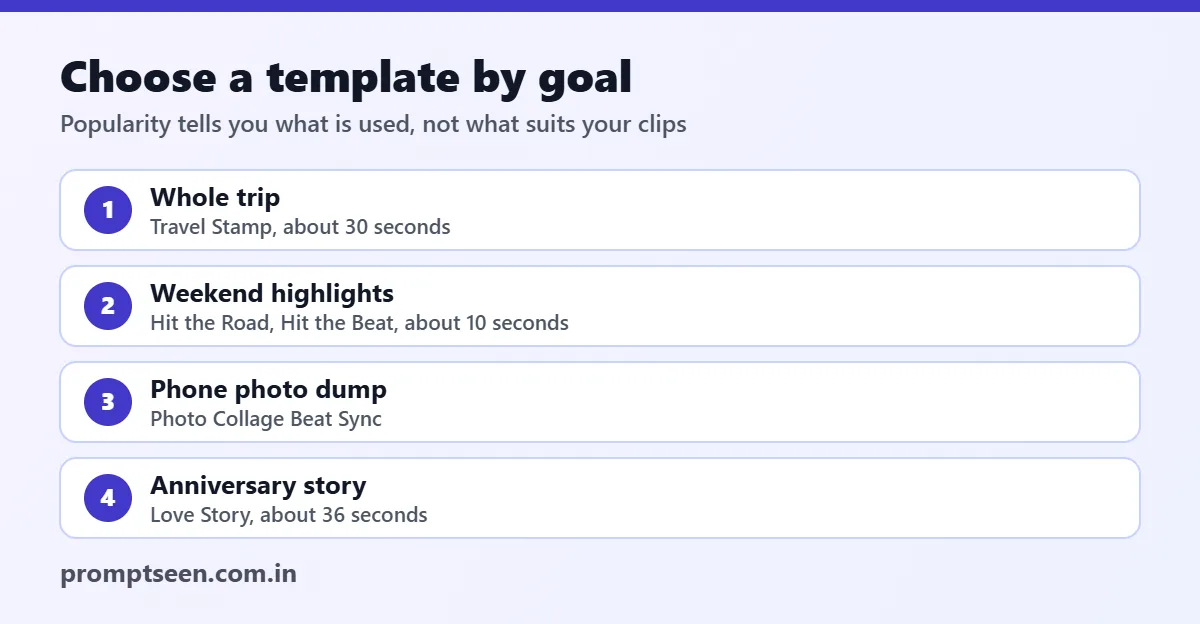
Use counts tell you what is popular, not what suits your clips. Match the template to what you want the reel to do.
| Your goal | Try this template | Why it fits |
|---|---|---|
| Show a whole trip | Travel Stamp | Its 30-second length gives every stop a moment |
| Quick weekend highlights | Hit the Road, Hit the Beat | Ten seconds of beat-matched cuts keeps attention high |
| Photo dump from a phone gallery | Photo Collage Beat Sync | Handles many still photos cleanly |
| Introduce yourself or your page | Personal Visual Story | Short enough for a profile intro |
| Show photography work | Hi, I’m a Photographer | Portfolio-style structure |
| Celebrate a birthday | Birthday Party Time | Built around party moments |
| Anniversary or couple journey | Love Story | The longest template, suited to a timeline |
| A moody December reel | Winter Vibe | Seasonal mood that fits the month |
If two templates fit equally well, choose the one with fewer uses. Your reel will look less familiar to people who have already seen the most popular edits many times.
VN export settings explained
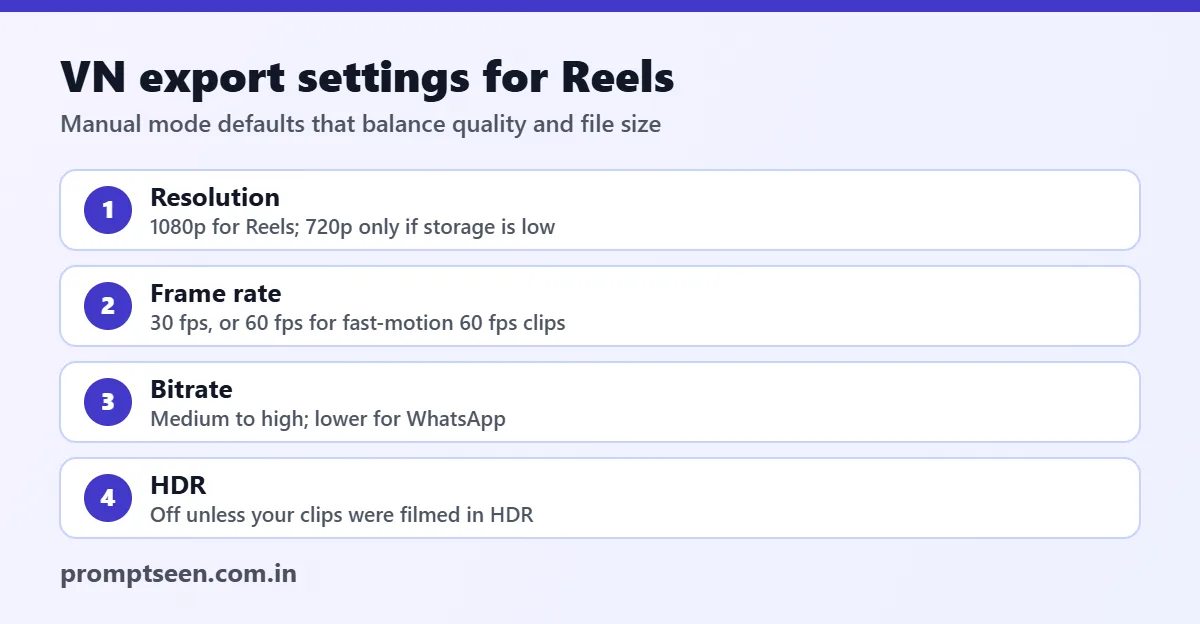
VN lets you export with default settings or switch to Manual mode, where you control resolution, frame rate and bitrate. Higher settings improve quality but create bigger files. Here is how to choose.
| Setting | Good default for Reels | When to change it |
|---|---|---|
| Resolution | 1080p | Use 720p only if your phone struggles or storage is low |
| Frame rate | 30 fps | Use 60 fps if most of your clips were filmed at 60 fps and include fast motion |
| Bitrate | Medium to high | Lower it for WhatsApp, where very large files get compressed heavily anyway |
| HDR | Off | Turn on only if your clips were filmed in HDR and you post where HDR is supported |
After exporting, upload the original file straight from your gallery. Forwarding the video through a chat app first adds another round of compression, which often makes fine details such as text and fireworks look blocky.
How to use a trending VN template, start to finish
- Preview first. Watch the template preview twice and count the slots.
- Gather media. Collect exactly that many clips or photos in one album, in the order you want.
- Open in VN. Tap Open VN Template, then Use Template on VN’s page. Inside the app, tap Download.
- Fill and adjust. Tap Use, add your media, then tap clips to Replace, Crop, Filter or change Volume.
- Edit text. Change sample text to your own short line.
- Save and export. Save the project, then export. Manual export lets you choose resolution and frame rate.
How to judge a trending VN template before you download it
A high use count tells you a template is popular, not that it suits your clips. Spend thirty seconds on the preview before tapping Download, and check these five things.
- Length versus your material. A 30-second template such as Travel Stamp needs plenty of footage. If you only have five photos, a 7 to 10 second template will look tighter.
- Photo or video slots. Some templates are built for video clips with movement; still photos placed in them can look frozen. Watch how the preview’s slots move.
- Text you will need to change. Note any sample words, dates or names. If a line cannot be edited, decide whether it still makes sense for your reel.
- Colour mood. A warm vintage template will clash with cool blue night clips. Pick a template whose colours already match your footage.
- Music fit. If you plan to replace the song on Instagram, check that the cuts still feel natural without the original beat.
Templates that pass all five checks usually need only a few minutes of editing. Templates that fail two or more often take longer to fix than editing the reel yourself in VN’s normal timeline.
Scanning creator VN QR codes safely
Creator codes are where many viral styles start, often before VN features them. To use one, save the full QR image, open VN, tap the Scan icon and scan or import it. VN loads the template and downloads it, sometimes from a cloud link such as Google Drive.
- Prefer the original creator. Look for the preview video on the creator’s profile; reposted codes often point to deleted files.
- Read the price before paying. Some creator templates are paid. VN does not handle third-party payments or refunds.
- Check the music. A template’s song may not be licensed for Instagram; replace it inside Instagram if unsure.
- Skip suspicious codes. A real VN code only needs the VN app. Avoid anything asking for other installs or personal details.
Make a trending template look like your own
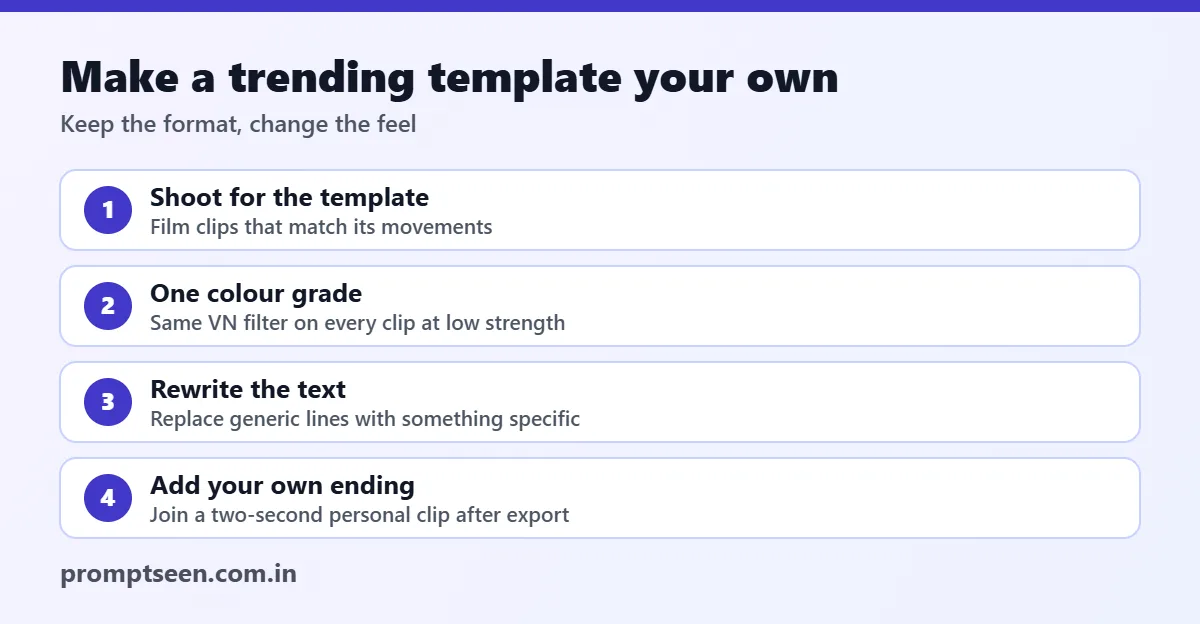
When a template has more than a million uses, your viewers have probably seen it. These changes keep the format but make the result distinctive.
- Shoot for the template. Watch the preview and film clips that match its movements, such as a pan where the template pans.
- Use a consistent colour grade. Apply one VN filter to every clip at low strength.
- Change the text. Replace generic sample lines with something specific to you or your city.
- Add your own ending. Export the template, then join it with a two-second personal clip in VN’s normal editor.
Want more cinematic ideas? Our guide to cinematic template styles explains looks you can recreate in VN, and the travel template guide covers shot ideas for trips.
Plan your shots with AI before you film
A template is only as good as the clips you put in it. These prompts help you plan shots that fit a template’s rhythm.
Shot list for a travel template
I am using a 15-second VN travel reel template with 8 clip slots. Suggest an 8-shot list for a weekend trip to [place], with one line per shot describing the camera movement and subject. Keep each shot under 2 seconds and end on a wide sunset view.
Cinematic film-look plan
Give me 6 shot ideas for a vintage film-style reel filmed on a phone in an Indian city. Include the best time of day, camera angle and a simple movement for each shot. Avoid anything that needs special equipment.
Caption for a trending reel
Write five short captions for an Instagram Reel made with a popular VN collage template about [topic]. Keep each under 12 words, natural and not clickbait, and suggest three relevant hashtags.
Birthday clip checklist
I am making a birthday reel with a VN template that has 10 slots. List 10 short clips I should record at the party, in order, from decorations to the final group photo.
Troubleshooting
| Problem | Fix |
|---|---|
| Use Template does nothing on my phone | Install VN, open the template page in your main browser, not an in-app browser, and tap again. |
| The QR code fails to scan | Use the original, uncropped QR image and import it through VN’s scanner. |
| Download stuck at a percentage | Switch to stable Wi-Fi; if it keeps failing, the creator’s file may be removed. |
| My clips look cropped | Tap the clip, choose Crop and reposition the subject. |
| The song disappeared on Instagram | Mute the template’s audio and add a song from Instagram’s library. |
| The template is no longer available | Search VN’s Discover tab for a similar style using the template’s name. |
Frequently asked questions
What is the most popular VN template right now?
Of the official templates we checked on 26 November 2026, Holiday Vibes Vlog had the highest use count at about 2.5 million.
Are VN templates free?
VN is free to download. Some templates or features may be tied to VN’s paid plan, and some creator templates are sold separately, so check inside the app before you start.
How do I find new trending VN codes every week?
Check VN’s Discover tab, the Creative Picks highlight on VN’s official Instagram, and the #vntemplate hashtag for creator designs.
Can I use VN templates for YouTube Shorts?
Yes. Most of these are vertical templates, so the exported video fits Shorts as well as Reels.
Can I edit the transitions in a template?
Only if the creator enabled full editing. Otherwise you can replace media and edit selected text, but not change the structure.
Do I need an account to use VN templates?
Requirements can change with app updates. If VN asks you to sign in to download a template, follow the in-app prompt.
The short version
For travel, start with Holiday Vibes Vlog or Hit the Road, Hit the Beat. For a photo dump, try FlashBeat Collage or Photo Collage Beat Sync. For a cinematic look, Vintage Film Style Vlog is the most used choice. Whatever you pick, plan your shots for the template and change its text so the result feels like yours.
Explore more template guides, AI photo prompts and editing walkthroughs on the Prompt Seen homepage.