CapCut YouTube Shorts Template: 36 Ideas for Shorts That Hold Attention
A CapCut YouTube Shorts template helps you create vertical videos under a minute that hold attention, loop smoothly and send viewers to your channel. This guide gives you 36 copy-ready ideas for hooks and retention, repurposing long videos, educational, entertainment, gaming, lifestyle and channel growth Shorts, plus tips on length, captions, titles and how Shorts fit into a wider YouTube strategy.
Each idea has a copy button. Use it as a prompt in AI tools or as a recipe in any editor.
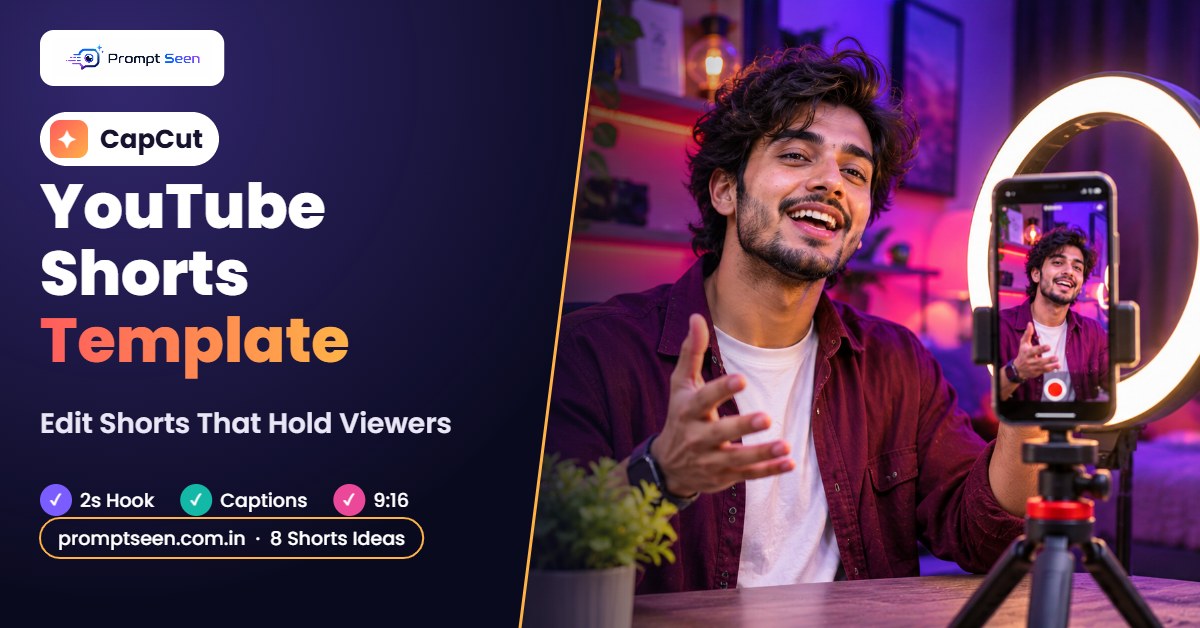
Whether you run an established channel or are just starting out, Shorts can help you reach new viewers every week.
Why YouTube Shorts Matter
YouTube Shorts gives creators a way to reach new viewers quickly through a dedicated vertical feed. A good Short can introduce thousands of people to your channel, and some of them will go on to watch your longer videos and subscribe. For new channels especially, Shorts are one of the fastest ways to get discovered.
Shorts and long videos work together
Shorts bring discovery; long videos build depth and watch time. The most successful channels use Shorts to promote and complement their long-form content.
Retention is everything
Shorts that keep viewers watching to the end and replaying tend to be recommended more widely. Strong hooks, fast pacing and smooth loops all help.
What makes a Short successful
Successful Shorts tend to share a few traits: they start with something interesting immediately, they deliver one clear idea, they are paced quickly with no wasted seconds, and they end in a way that makes viewers want to watch again or visit the channel. Captions help viewers follow along without sound, and a consistent style helps returning viewers recognise your content.
- Hook in the first second.
- One idea per Short.
- Fast pacing with no dead air.
- Readable captions throughout.
- A loop or a clear next step at the end.
Keep these five traits in mind every time you edit, and your Shorts will improve quickly.
Shorts vs Instagram Reels
| Factor | YouTube Shorts | Instagram Reels |
|---|---|---|
| Audience | Viewers who may also watch long videos | Social followers and discovery |
| Channel connection | Links viewers to your long videos | Links to your profile |
| Best content | Educational, entertainment, highlights | Lifestyle, trends, personal |
| Search | Titles and descriptions help discovery | Hashtags and audio help discovery |
You can post similar content on both, but tailor hooks and captions to each audience.
Post the same core idea on both platforms, but rewrite the first line and caption to suit each audience.
How to Use These Shorts Ideas
- Choose a goal: discovery, education, entertainment or channel promotion.
- Pick an idea and plan a hook for the first second.
- Use the prompt in an AI tool or a template with the right pacing.
- Add bold captions and keep the Short under 60 seconds.
- Write a clear title with keywords people search for.
- Post consistently and link related long videos where possible.
36 CapCut YouTube Shorts Template Ideas
Ideas are grouped by type. Each one describes the hook, structure and ending.
Hook and Retention Shorts Prompts
Keep viewers past the first three seconds.
Long Video to Shorts Prompts
Repurpose your YouTube videos.
Educational Shorts Prompts
Teach something in under a minute.
Entertainment Shorts Prompts
Fun formats that get shared.
Gaming and Tech Shorts Prompts
Highlights and quick reviews.
Lifestyle and Travel Shorts Prompts
Quick glimpses into life and places.
Channel Growth Shorts Prompts
Shorts that support your channel.
Hindi and Regional Shorts Prompts
Reach audiences in their own language.
Walkthrough: Turning a Long Video Into Three Shorts
Step 1: Find three moments
Watch your long video and note three self-contained moments: a key tip, a surprising fact and a funny or emotional clip.
Step 2: Reframe to vertical
Use auto reframe or manual cropping to make each moment 9:16 with the speaker centred.
Step 3: Add a hook and captions
Write a one-line hook for each Short and add bold captions throughout.
Step 4: Add a channel card
End each Short with a small text card like “Full video on my channel”.
Step 5: Post across the week
Publish one Short every two days to keep your channel active while the long video gains views.
A Shorts Posting Plan
| Day | Short type | Purpose |
|---|---|---|
| Monday | Educational Short | Value and search |
| Tuesday | Long video clip | Channel promotion |
| Thursday | Entertainment Short | Shares |
| Friday | Hindi or regional Short | New audiences |
| Sunday | Behind the scenes | Connection |
Five Shorts a week is ambitious but achievable if you repurpose long videos. Even two or three a week can steadily grow a channel when the content is consistent and on topic.
Choosing Topics That Grow Your Channel
Shorts that match your channel’s main subject bring subscribers who are likely to watch your long videos. A cooking channel should post cooking Shorts, a tech channel should post tech tips, and a study channel should post study hacks. Random viral Shorts can bring views but often attract viewers who never return. Stay focused on your niche and use trends only when they fit.
Consistency in topic is more important than chasing every viral idea.
Batch-film several Shorts in one session to stay consistent through busy weeks.
Titles, Descriptions and Thumbnails
Shorts titles matter for search and context. Use clear, specific titles with keywords, such as “3 Study Tips for Board Exams” rather than vague titles. Keep descriptions short with a line about the content and relevant hashtags. Shorts thumbnails are less important than for long videos, but choosing a strong frame helps when your Short appears on your channel page.
Good titles also help your Shorts appear when people search on YouTube, which gives them a longer life than a quick spike in the feed.
Making a CapCut YouTube Shorts Template Your Own
Templates give structure, but your voice, knowledge and style make viewers subscribe. Add a consistent intro sound or visual, use your channel colours in captions and speak naturally. Over time, viewers will recognise your Shorts instantly.
Editing Details for Better Shorts
Cut every pause and filler word. Use zoom-ins on key words to emphasise them. Keep captions in the centre third so they are not covered by YouTube’s on-screen buttons. Add subtle sound effects for transitions and emphasis. Export at 1080p and upload directly from your phone or computer for the best quality.
Before posting, watch your Short on a phone in the YouTube app preview to make sure captions and key visuals are not hidden behind buttons or the title area.
Common Problems and Fixes
Low views
Quick fix
Improve the first second, tighten pacing and post consistently.
Viewers swipe away early
Quick fix
Start with the payoff or a strong question, not an introduction.
Shorts not converting to subscribers
Quick fix
Make content that matches your channel’s main topic and add a clear reason to subscribe.
Music muted
Quick fix
Use music from YouTube’s audio library inside the Shorts editor.
Measuring Shorts Performance
In YouTube Studio, check views, average view duration, the percentage of viewers who kept watching, likes, comments and subscribers gained from each Short. A Short with high retention but few subscribers may need a stronger connection to your channel. A Short that brings many subscribers is a format worth repeating. Review your Shorts weekly and let the data guide your next ideas.
| Metric | What it shows |
|---|---|
| Viewed vs swiped away | How strong your hook is |
| Average view duration | How engaging the content is |
| Subscribers gained | How well the Short connects to your channel |
| Comments and shares | How relatable or useful it is |
Small improvements in retention, repeated across many Shorts, add up to significant channel growth over time.
About the Format
YouTube introduced Shorts to compete in short-form vertical video, and it has grown into a major part of the platform. The Wikipedia article on YouTube Shorts covers its launch and development.
Shorts reward creators who are consistent, focused and willing to learn from their results. Use the ideas in this guide as a starting point, keep your Shorts closely tied to your channel’s purpose and steadily refine your hooks. Over time, your Shorts will become one of the most powerful ways people discover your work.
More Guides
For Instagram, see the CapCut Instagram Reels template guide. For automatic cutting, read CapCut AutoCut, and for script-based videos, the InVideo AI prompt guide.
Pick one long video, turn it into three Shorts this week using the walkthrough above and watch how they help your channel grow. With a solid CapCut YouTube Shorts template workflow, Shorts become a reliable engine for discovery.
Related Guides
Frequently Asked Questions
What is a CapCut YouTube Shorts template?
It is a ready-made vertical edit structured for YouTube Shorts, with timing, captions and transitions you can fill with your own clips.
How long can YouTube Shorts be?
Shorts are short vertical videos; keeping them under 60 seconds is a safe, common practice. Check YouTube’s current limits.
Is CapCut available in India?
CapCut has not been officially available on Indian app stores since 2020. Alternatives include YouTube’s Shorts editor, VN, InShot and Filmora.
How do I make Shorts from long videos?
Find self-contained moments, reframe them to vertical, add a hook and captions, and link to the full video.
Do Shorts help grow a channel?
Yes. Shorts help new viewers discover your channel, especially when they match your main content.
How do I make a Short loop?
Make the final frame match the first so the video restarts seamlessly.