35 Nano Banana Gemini Prompts for Viral Trend Edits
These Nano Banana Gemini prompts help you create the viral 3D figurine edits, retro saree portraits, precise one-change edits, multi-image blends and professional photos that made Google’s image model famous. Below are 35 copy-ready prompts grouped by use, plus a clear explanation of what Nano Banana is, how to use it in the Gemini app and how to keep your face accurate. This guide is part of the free library at Prompt Seen.
Every prompt has a copy button. Open Gemini, upload your photo and paste a prompt.
What Is Nano Banana?
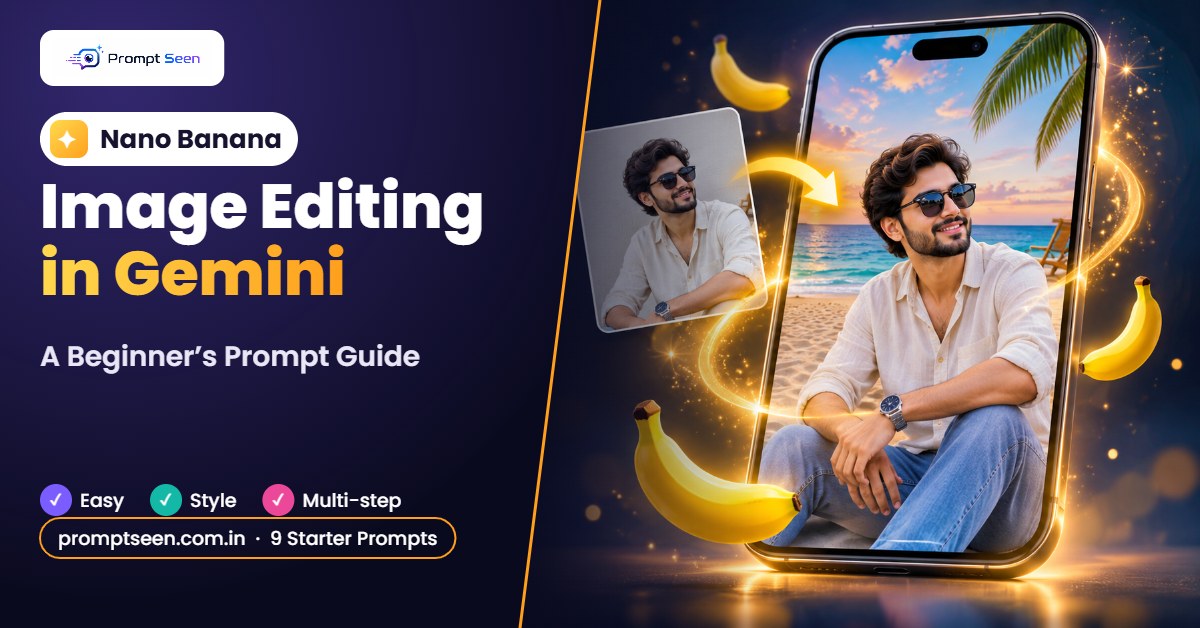
Nano Banana is the popular nickname for Google’s image generation and editing model inside Gemini. It became famous in 2025 for its ability to keep faces consistent, make precise edits that change only one part of an image, and blend several photos together naturally. A more advanced version, often called Nano Banana Pro, later added higher quality and better text rendering.
Why it went viral
Trends like 3D figurines on a desk, retro saree portraits and hugging your younger self spread quickly on Instagram and WhatsApp, especially in India. People loved that the results still looked like them, which had been difficult with earlier AI tools.
Where you can use it
You can use Nano Banana through the Gemini app and website, and Google has added the same technology to other products such as Google Photos editing tools. Features, limits and names can change, so check the Gemini app for what is available to your account.
Nano Banana and Nano Banana Pro
The original Nano Banana model focused on speed, face consistency and precise edits. The Pro version added sharper detail, more accurate text in images and better handling of complex scenes, which is useful for posters, product shots and infographics. Which version you get can depend on your plan and the mode you choose in the app. The prompts on this page work with both, though Pro may produce cleaner text on figurine boxes and posters.
Popular in India
India has been one of the most active countries for Nano Banana trends. Retro saree edits, festival portraits and family blends spread rapidly through WhatsApp groups and Instagram reels. That is why this collection of Nano Banana Gemini prompts includes Indian festival and culture edits alongside the global figurine and polaroid trends.
What Makes Nano Banana Different
| Strength | What it means | Example prompt |
|---|---|---|
| Face consistency | Keeps you recognisable across edits | Retro Saree Portrait |
| Precise edits | Changes one thing, leaves the rest | Change Only the Shirt |
| Multi-image blending | Combines several uploads naturally | Wear This Outfit |
| Scene understanding | Matches light and shadows | Me in This Place |
| Style range | Realistic to anime and painting | Anime Portrait |
How to Use These Nano Banana Gemini Prompts
- Open the Gemini app or gemini.google.com.
- Choose the image creation or editing option if your app shows one.
- Upload your photo, or several photos for blend prompts.
- Copy a prompt from below and paste it.
- Check the result, then refine with a short follow-up.
- Download the image.
35 Nano Banana Gemini Prompts
Start with a viral trend or a precise edit to see how well your photo works, then try blends and styles.
Viral Trend Prompts
The edits that made Nano Banana famous.
Precise Edit Prompts
Nano Banana is known for changing just one thing.
Multi-Image Blend Prompts
Upload two or more images and combine them.
Style and Restyle Prompts
Turn photos into new looks.
Indian Festival and Culture Prompts
Popular Indian trend edits.
Professional and Utility Prompts
Practical edits for work.
Couple and Friends Trend Prompts
Popular two-person and group trend edits.
Each prompt is a starting point. Change the colours, settings and details to make the result your own.
Getting the Best Results
Use clear photos
A sharp, well-lit photo with your face clearly visible gives the most accurate results, especially for trend prompts like figurines and retro portraits.
Be specific about what stays the same
Nano Banana is good at precise edits, but you still need to say “keep everything else exactly the same” when you want a small change.
Edit in steps
Make one change at a time in the same chat. This keeps faces and scenes stable and makes it easy to undo a step by asking for the previous version.
Describe light for blends
When placing yourself in a new scene, ask for “matching light and shadows” so the blend looks natural.
If you are not sure whether an edit worked, compare the result with your original photo side by side, especially the eyes, nose and smile. Those are the details friends notice first.
Walkthrough: The 3D Figurine Trend
The figurine trend is one of the most popular Nano Banana edits. Here is how to get a great result.
- Upload a full-body or half-body photo with a clear face and outfit.
- Paste the 3D Figurine on Desk prompt.
- If the figurine looks too cartoonish, reply “make it look like a realistic PVC collectible”.
- If the box design is plain, ask for your name or a short title printed on it.
- For variety, ask for a different desk setup, such as a gaming desk with RGB lights.
The same step-by-step approach works for every trend: start with the base prompt, then refine one detail at a time.
Writing Your Own Nano Banana Prompts
| Part | Example |
|---|---|
| Face lock | keep my face and features exactly the same |
| Subject | a realistic collectible figurine of me |
| Setting | on a wooden desk beside a laptop |
| Details | clear acrylic base, toy box with my name |
| Light and finish | soft studio light, realistic materials |
Trend prompts work because they are specific. Instead of “make me a toy”, describe the material, scale, base, packaging and setting. The more concrete the details, the more the result looks like the viral examples you have seen.
Turning a Trend Into Your Own Style
Trends fade quickly, so give them a personal twist. Put your figurine on a desk that matches your real hobby, such as books for a student or a camera for a photographer. For retro portraits, choose a colour of saree or outfit that you actually love. Small personal details make your version stand out from thousands of similar posts.
Common Problems and Fixes
Face looks different
Quick fix
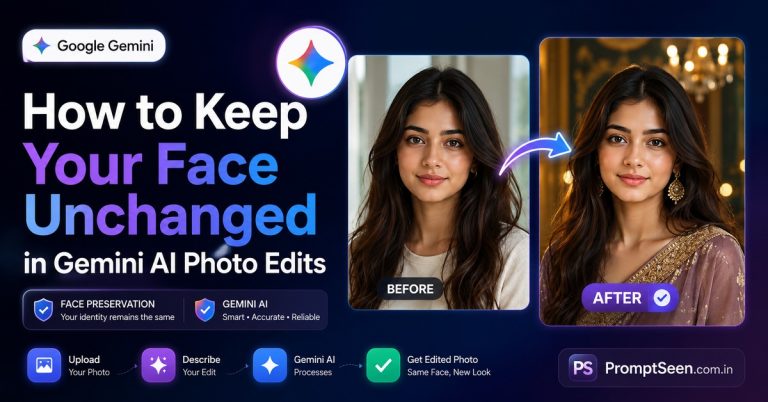
Use a clearer photo, keep the face lock and make smaller changes. See our face unchanged in Gemini guide for repair prompts.
Blend looks pasted
Quick fix
Ask for matching light direction, colour temperature and ground shadows.
Text on the box is wrong
Quick fix
Give the exact text in quotes and ask Gemini to fix only that text.
Gemini will not edit the image
Quick fix
Some edits are restricted by safety rules or account settings. Try a simpler request or use your own photo.
Choosing Photos for Each Trend
| Trend | Best photo | Why |
|---|---|---|
| 3D figurine | Full or half body, clear outfit | The figurine needs your whole look |
| Retro saree | Half body, face clearly lit | Face and hair matter most |
| Hugging younger self | Clear face plus a childhood photo | Two references improve accuracy |
| Polaroid | Close-up, natural expression | Small frame shows mostly the face |
| Blends | Separate clear images for each role | Clean inputs give clean blends |
Spending a minute choosing the right photo often saves several rounds of fixes later.
Safety and Responsible Use
Nano Banana edits look very realistic, which makes responsible use important. Only edit photos of yourself or people who agree, avoid creating misleading images of real events, and never use edits to impersonate someone. Google adds invisible watermarks to AI-generated images, and some apps show visible labels, so people can identify AI content. Be cautious with third-party websites claiming to offer Nano Banana, and avoid uploading private photos to unknown apps.
To learn more about the Gemini family of models behind these features, see the Wikipedia article on Gemini.
If a site asks for payment or personal details to use Nano Banana, close it and use the official Gemini app instead.
Nano Banana vs ChatGPT Images
| Feature | Nano Banana (Gemini) | ChatGPT |
|---|---|---|
| Face consistency | Very strong | Good with face locks |
| Precise edits | Excellent | Good |
| Multi-image blends | Excellent | Good |
| Text in images | Improved in newer versions | Strong |
For more Gemini ideas, try our Google Gemini AI photo editing prompts, blend two photos in Gemini and Gemini style transfer prompts.
Pick one trend and one precise edit from this page, try them today, and save the prompts that give you the best results.
Related Guides
- Blend two photos in Gemini
- Face unchanged in Gemini
- Gemini festival photo prompts
- Google Photos birthday photo prompts
Frequently Asked Questions
What is Nano Banana in Gemini?
Nano Banana is the nickname for Google’s image generation and editing model in Gemini, known for consistent faces, precise edits and multi-image blending.
How do I use Nano Banana?
Open the Gemini app or website, upload your photo, and type or paste an editing prompt.
Is Nano Banana free?
Gemini offers image creation and editing with free limits, and paid plans may include more. Limits can change.
How do I make the 3D figurine trend?
Upload a clear photo and use a prompt describing a realistic collectible figurine on a desk with a toy box and a computer screen showing the model.
Can Nano Banana combine two photos?
Yes. Upload multiple images and explain which image provides the face, outfit or location.
Is it safe to use Nano Banana websites?
Use the official Gemini app or website. Be careful with third-party sites and avoid uploading private photos to unknown apps.